
Procedural texture
The texture of some surfaces (terrain, tree trunks) is defined as a set of partially overlapping decals/patches that cover the surface. Each decal can be placed at any angle and at any position on the surface. The edges between decals are blended to make the surface look seamless. This method permits much higher texture resolution than using large, memory-consuming textures over large surface areas, and a less repetitive appearance than using traditional tiled textures.
Decal positions are auto-generated by an algorithm that places decals randomly to cover the entire surface. The type of each decal is chosen randomly according to a surface type map, which could specify e.g. that the surface is 20% grass and 80% rock at a particular point.
Decals may be rendered either directly on screen or to a temporary texture first. Using a temporary texture makes rendering generally faster and allows a larger number of decals, if the temporary texture is built once and reused for several frames, but requires more memory and does not allow changing the decals without updating the texture.
Rendering tree trunks directly on screen
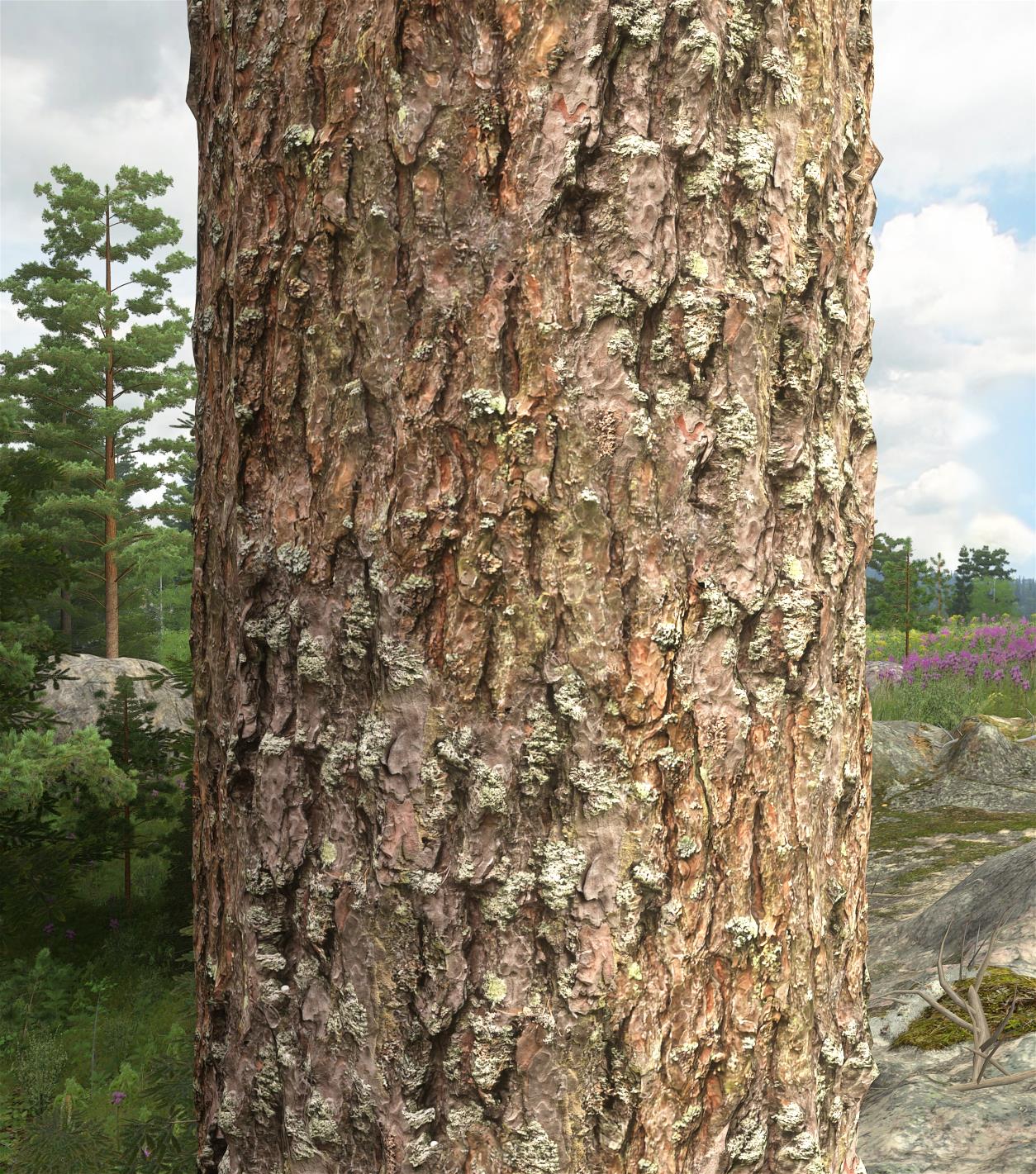
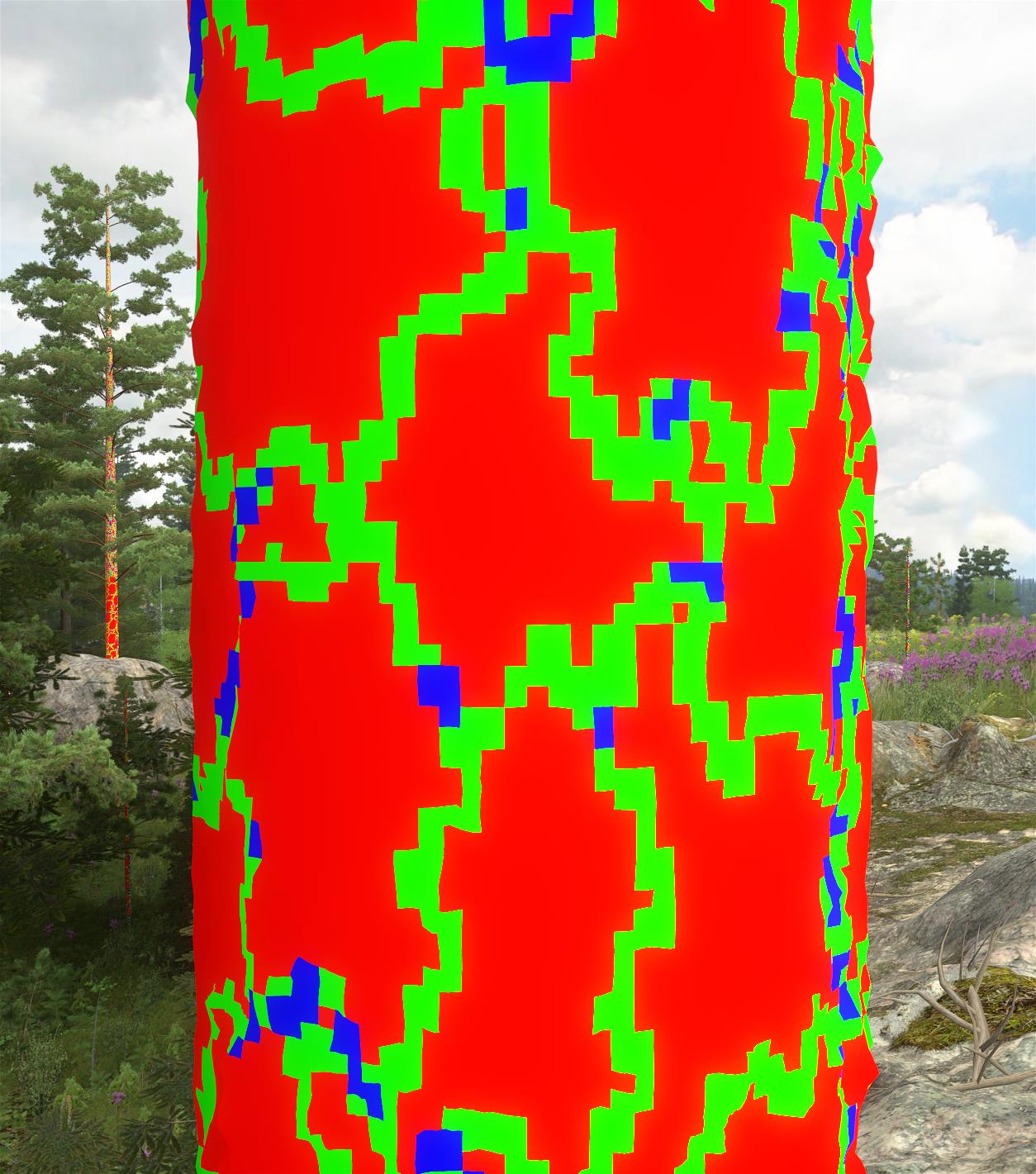
A low-resolution "decal map" is built for the entire surface (e.g. an entire tree trunk) that lists up to 4 topmost decals at each point (as 16-bit indices). The pixel shader checks the decal map and reads the diffuse color etc. from each decal and blends them using standard alpha blending. Seams are hidden by irregular edges of decals. The result does not look repetitive even if only a small number of decals is used, because of the random decal positions (as opposed to a regular tiled texture) and because random parts of the decals are hidden below overlapping decals.
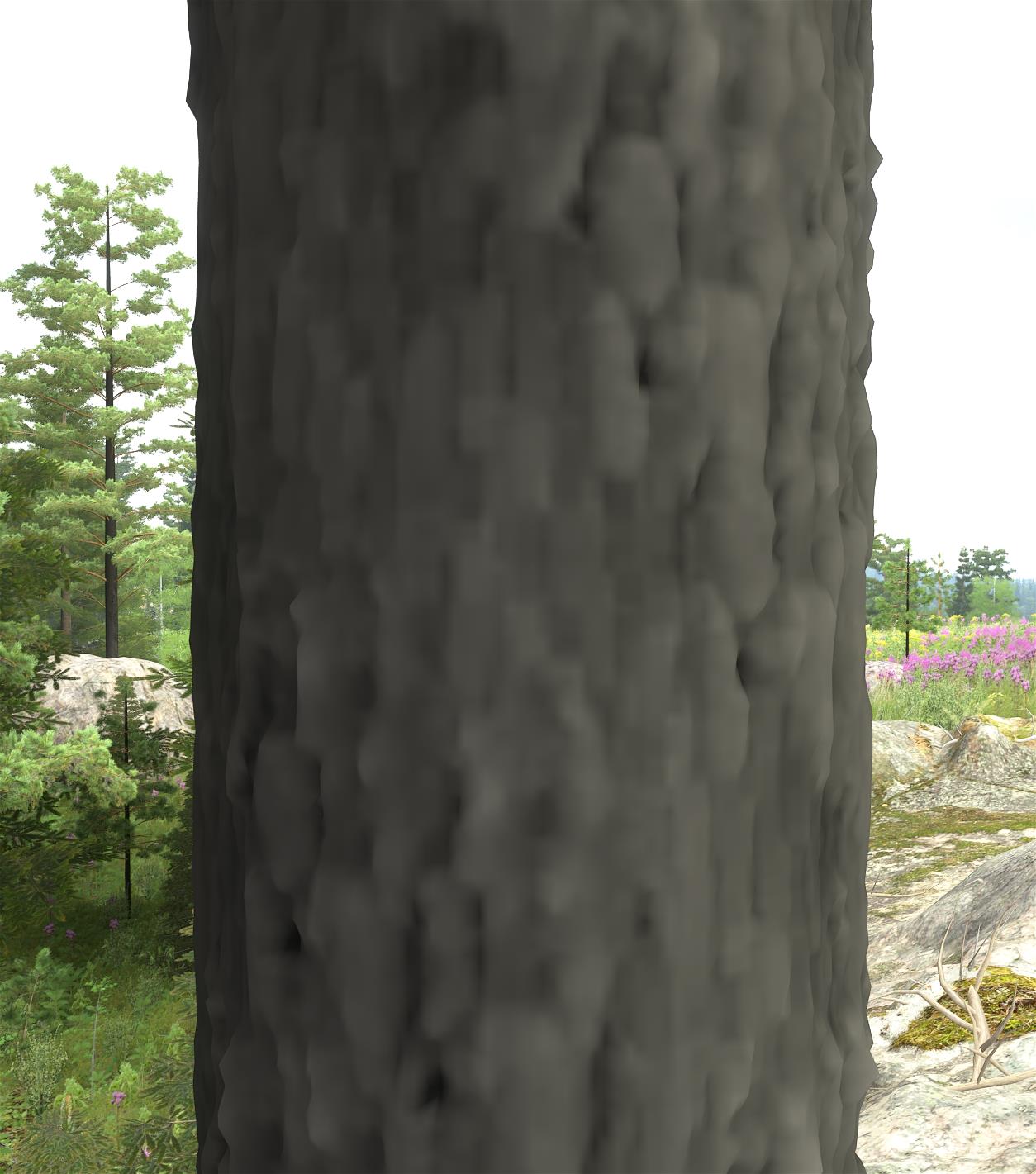
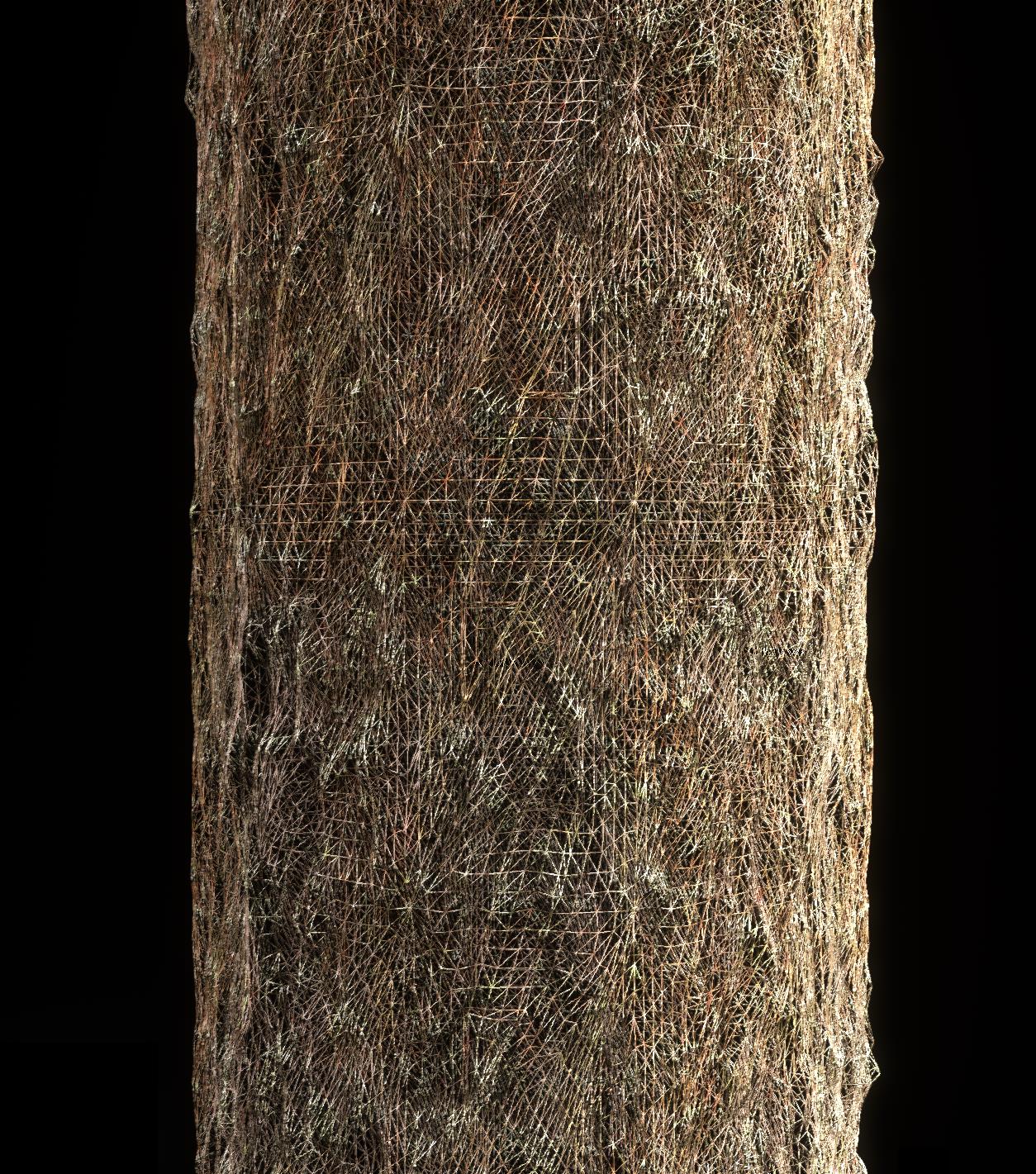
Tessellation with a displacement map is used to show surface height variation. Displacement maps of overlapping decals are blended with smooth blending around the edge, instead of the sharp and irregular edges used when blending colors. The displacement map has significantly lower resolution than the color maps, and is currently pre-generated for the entire surface and stored along with the decal map.
(click image to zoom)
|
| Pine trunk texture that consists of high-resolution decals. Note that repetition is not very visible even though only two small decal types are used. |
|
| Pine displacement map. |
|
| Number of overlapping decals processed (i.e. texture lookups) by the pixel shader: red=1, green=2, blue=3/4. When the topmost decal is fully opaque within a decal map point, decals below it are left out of the decal map. |
|
| Pine trunk tessellated wireframe. |
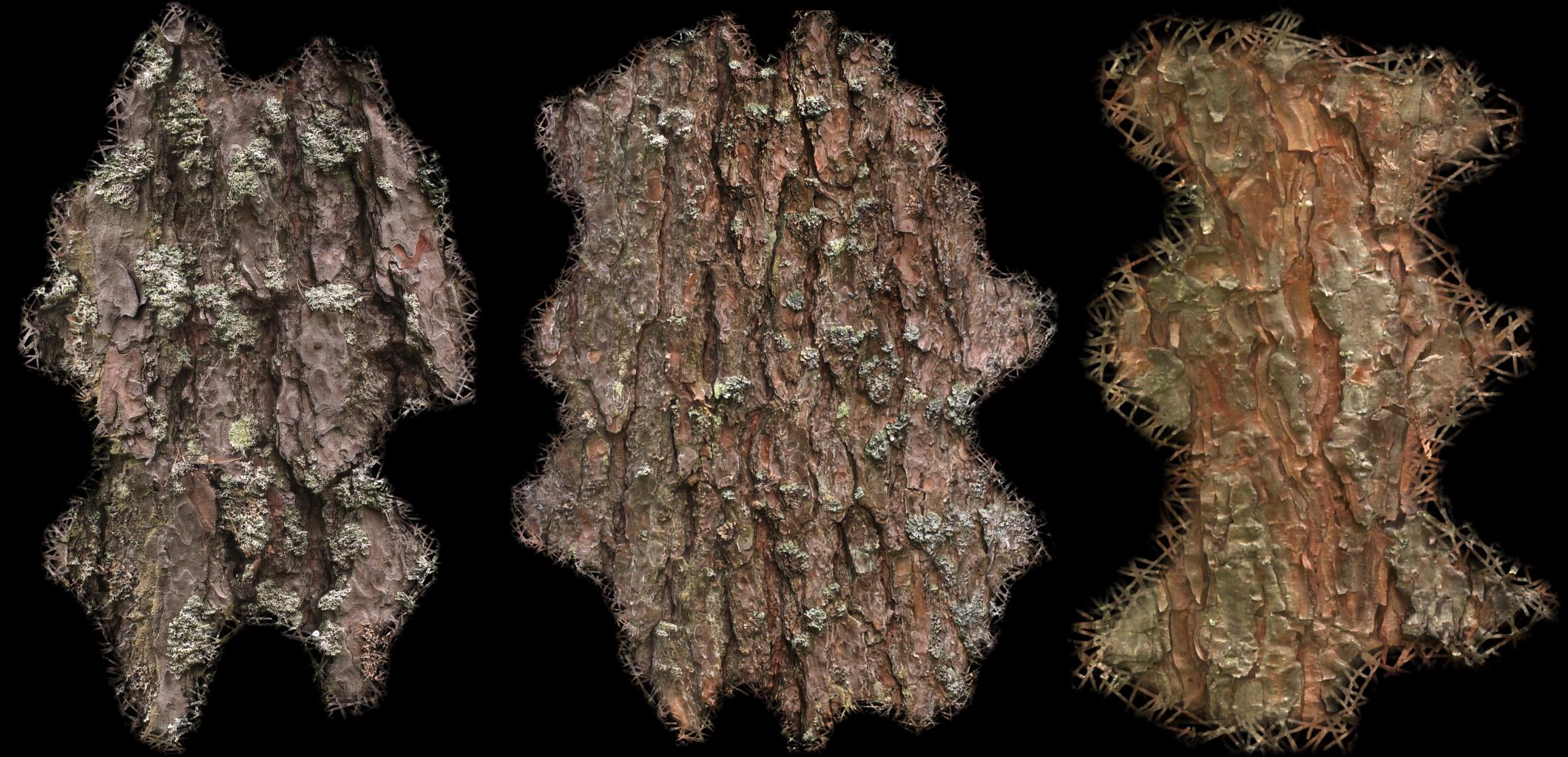
|
| Pine decals, created using photogrammetry and a tool that generates the irregular edge for hiding seams. |
Rendering terrain via temporary textures
Each terrain quad tree node has a temporary terrain texture to which the decals within that node are drawn and which is then reused on multiple frames when rendering the terrain on screen. Every node uses the same texture size, and therefore nodes closer to the camera naturally have a higher resolution (down to millimeter scale) than nodes further away.
To save memory and bandwidth, temporary textures are compressed using real-time GPU compression and YCoCg color space (see links below). At most one terrain node texture is generated per frame, which prevents it from slowing down rendering too much while allowing sufficiently fast update as the camera moves. Mipmaps are also generated and are mostly needed for anisotropic filtering, because the terrain is often viewed at an oblique angle, but not so much for level-of-detail texture sampling, because the texel to screen pixel size ratio is approximately the same in all terrain nodes.
Terrain heights are handled by creating a simple triangular mesh for each terrain node. Neighboring nodes are joined and gaps avoided by bending the mesh edges down into the ground, as opposed to stitching methods that have dependencies between nodes and require a node to be updated when the neighboring nodes change. Level-of-detail transitions are done by cross-fading between a larger node and the corresponding four smaller nodes, using the special cross-fading trick described in the chapter about order-independent transparency.
In smaller terrain nodes, it would be possible to render decals directly on screen instead of using temporary textures. This would reduce memory usage, reduce the time spent generating temporary textures (especially because the nearby nodes are the ones updated most frequently) and perhaps allow better rendering resolution if the screen resolution is high and the temporary texture memory usage has to be limited. It was tested that on a 2560x1440 display about 0.5 to 1.0 GB of temporary texture memory is needed for the same quality than if rendering directly on screen. Larger nodes would still have to use either temporary textures, larger decals or a full-terrain texture.
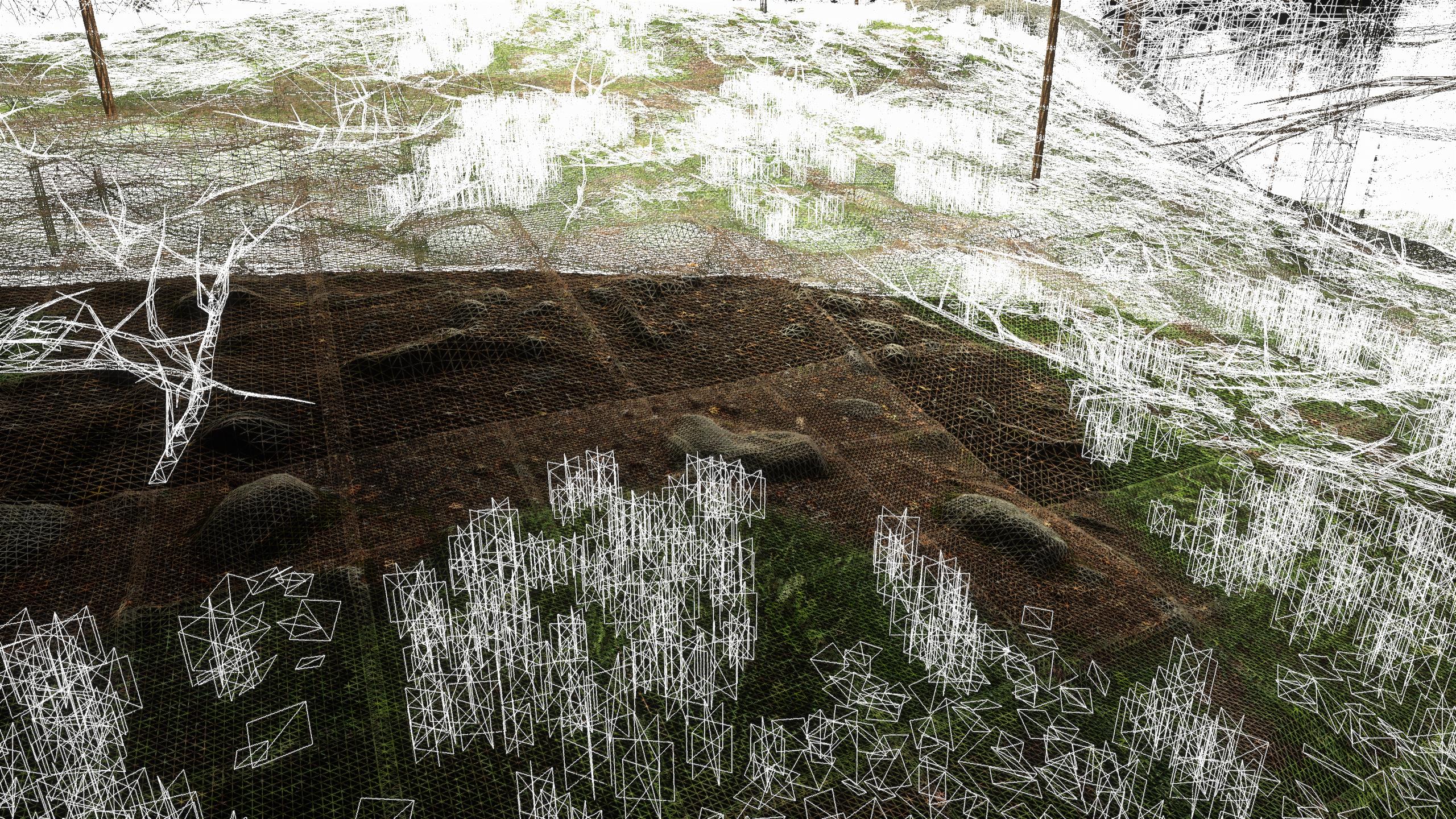
To give small-scale vegetation (grass and cladonia etc.) a more three-dimensional appearance when the camera is moving, small quads are rendered above the ground, as shown in some of the images below. These are placed randomly when updating a terrain node, depending on terrain type.
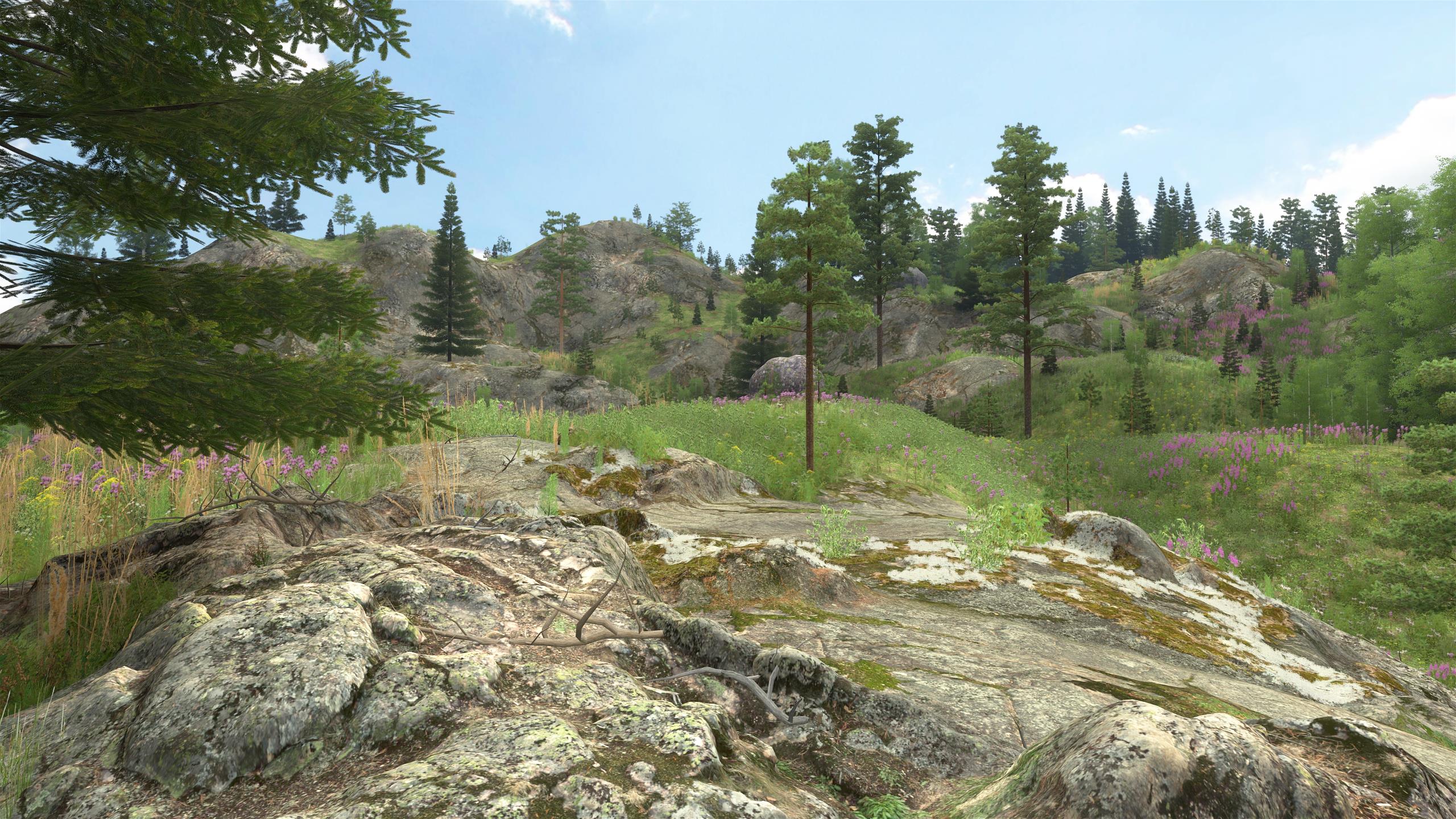
|
| Rocky decal-based terrain at different viewing distances. |
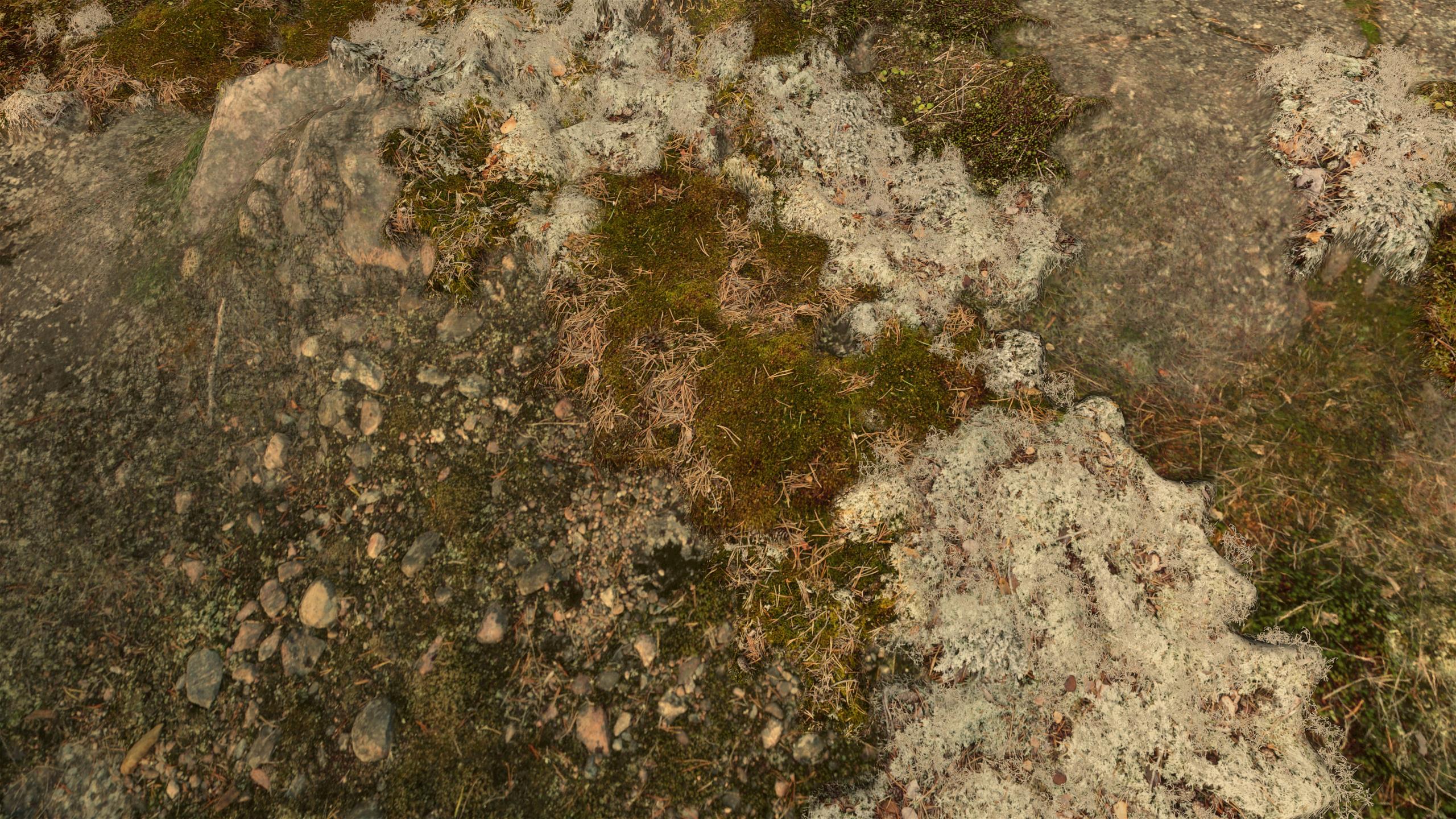
|
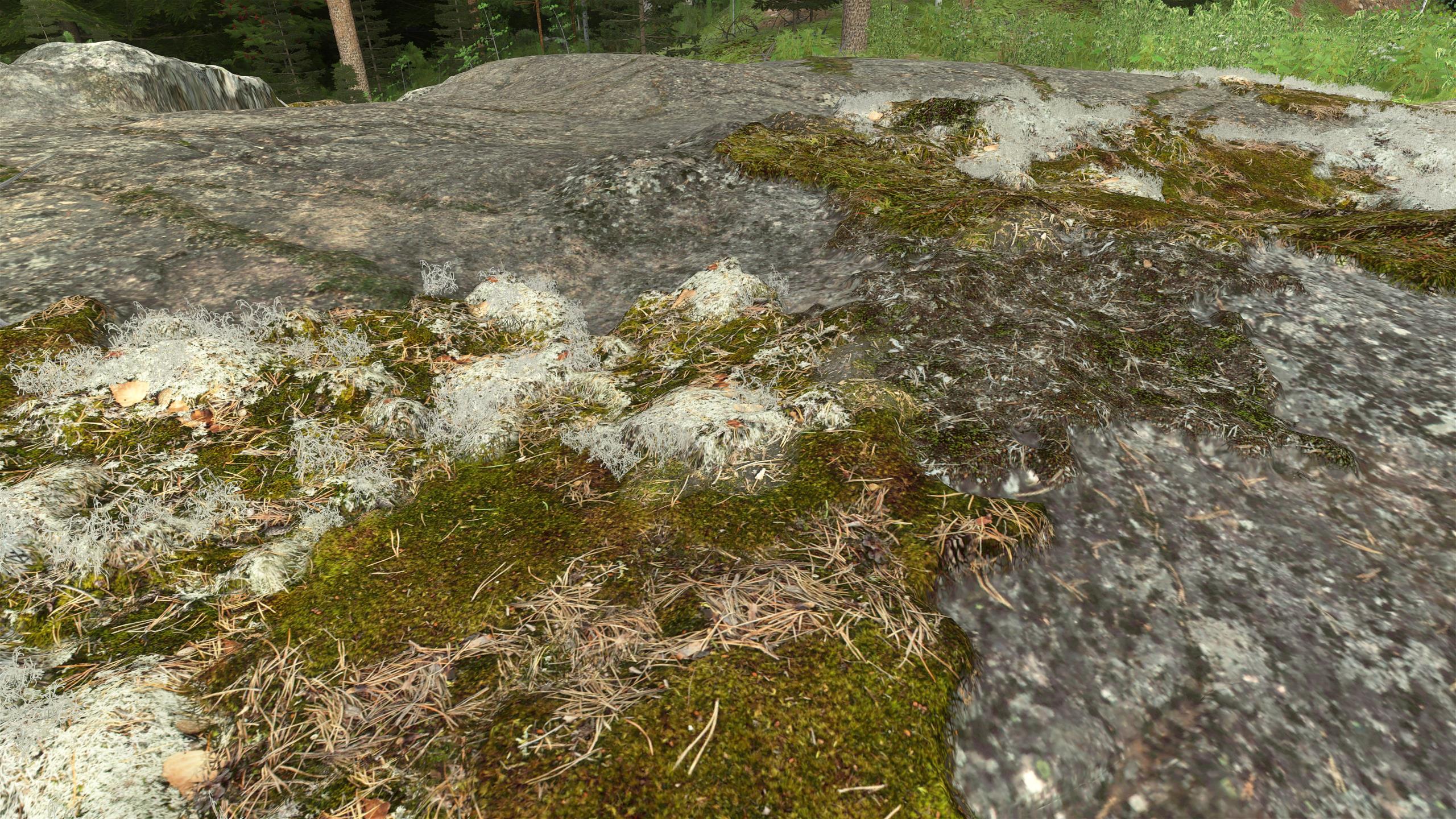
| Close-up view of rocky ground with a few moss and cladonia decals on top. |
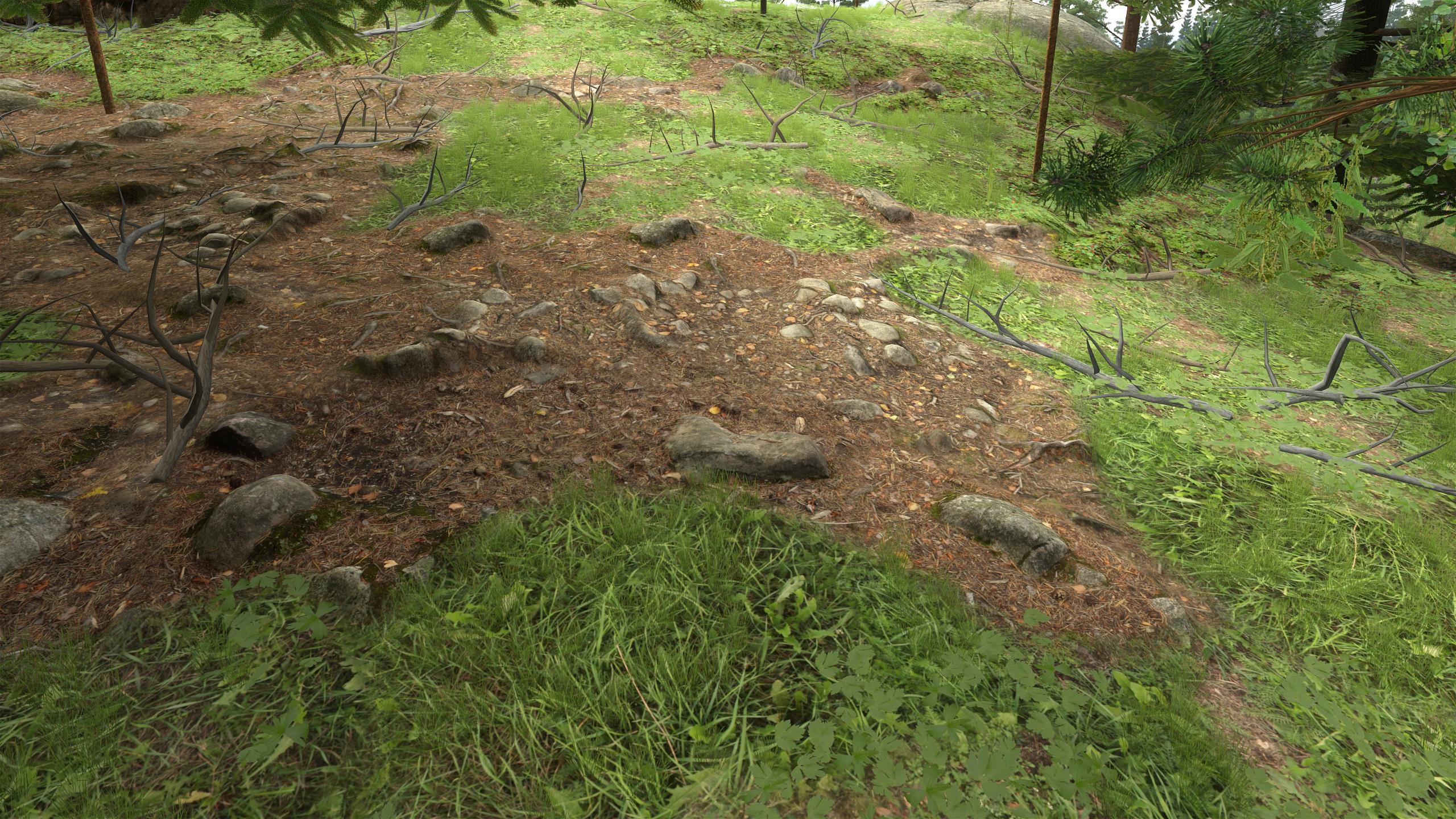
|
| Terrain decals with small 3D grass and leaves on top. |
|
| Wireframe of the previous image. Note the overlapping and slightly bent-down edges of terrain nodes, and also the white grass and leaf quads at the bottom. |
|
| Moss and cladonia. |
|
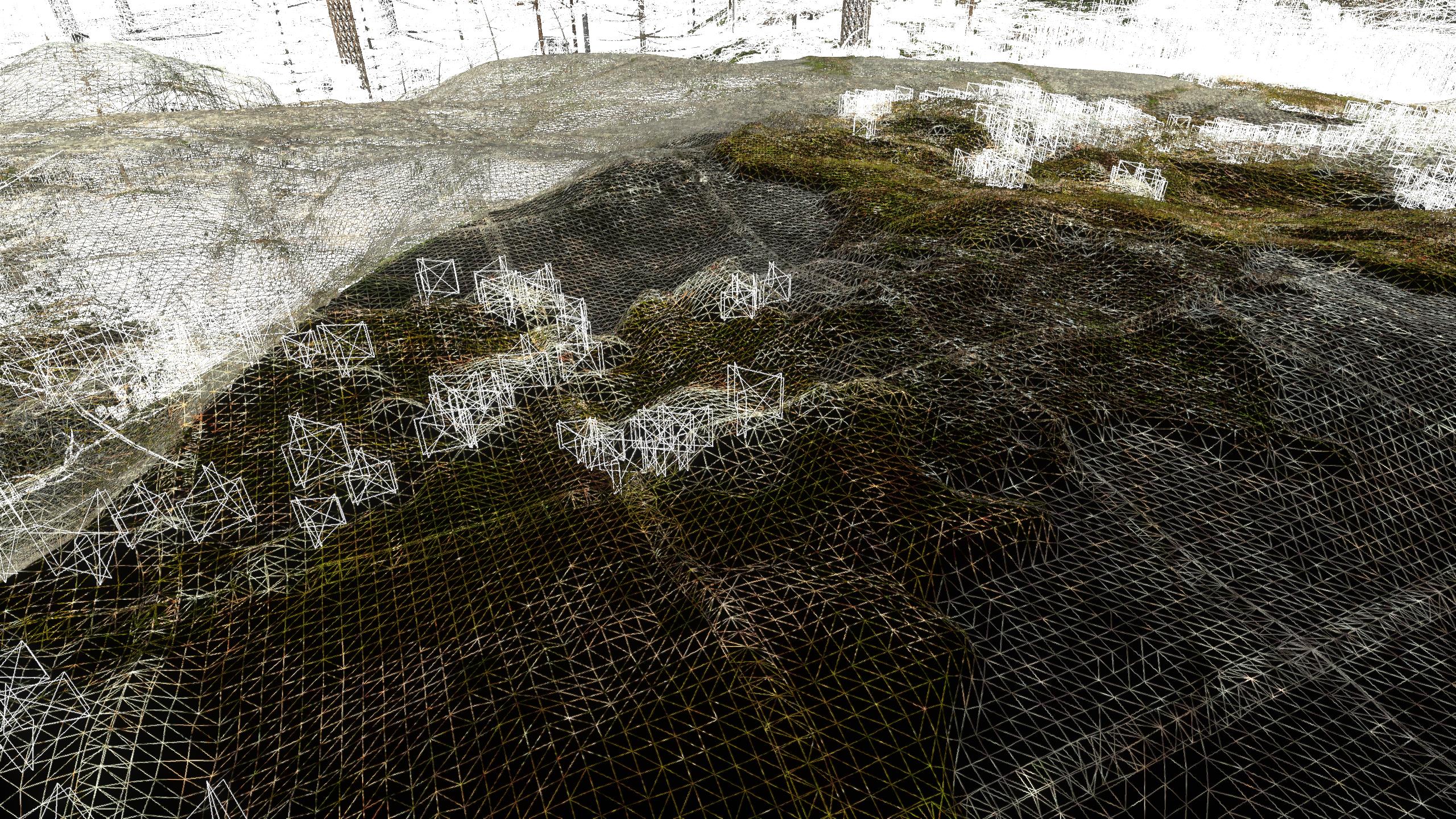
| Wireframe of the previous image. |