
Post-processing
High dynamic range (HDR)
A high-dynamic-range render buffer allows rendering both dark and very bright parts of the scene in the same render buffer and applying effects like bloom and tone mapping to give the illusion of a higher dynamic range on a standard-dynamic-range monitor.
The render buffer uses the compact R11G11B10 floating-point format, which is faster than 16-bit floating point that some engines use, but did not have an observable difference in image quality in the forest scenes. The R11G11B10 uses significantly less bandwidth, particularly when rendering lots of overlapping vegetation. Slight banding is a typical problem with the R11G11B10 format, but it occurs only on smoothly colored surfaces that do not exist in a forest scene, and could be alleviated by dithering. 16-bit floating point is used in the history color buffer in temporal anti-aliasing, because slowly changing colors need more precision to avoid rounding errors, although this too could probably be avoided by dithering.
Eye adaptation to varying brightness is simulated by measuring the average luminance within a central part of the screen and adjusting the image brightness smoothly towards a suitable level. The average is calculated as a logarithmic average to avoid the sun from darkening the image too much, and the luminances are also clamped to a minimum value to avoid dark spots from affecting the logarithmic average too much.
When doing multisample resolve (converting a multisampled image to a regular image for the screen), the color samples are weighted by 1 / (1 + luminance / 2) when calculating the average. This serves two purposes: it avoids flickering when the sun is behind trees and the camera is still, which would occur due to temporal-anti-aliasing jitter (small intentional sub-pixel shaking), and it also prevents anti-aliased edges from becoming too sharp and jagged when some samples are much brighter than the screen LDR image maximum brightness. In theory, the edge anti-aliasing should actually be done after tone mapping to get most accurate results, but the difference to the described method is not big and it would require doing all post-processing with a multisampled frame buffer, or doing a temporary tone mapping before multisample-resolve and reverting it afterwards, which would be slightly heavier because the tone mapping involves table lookups.
Water reflection
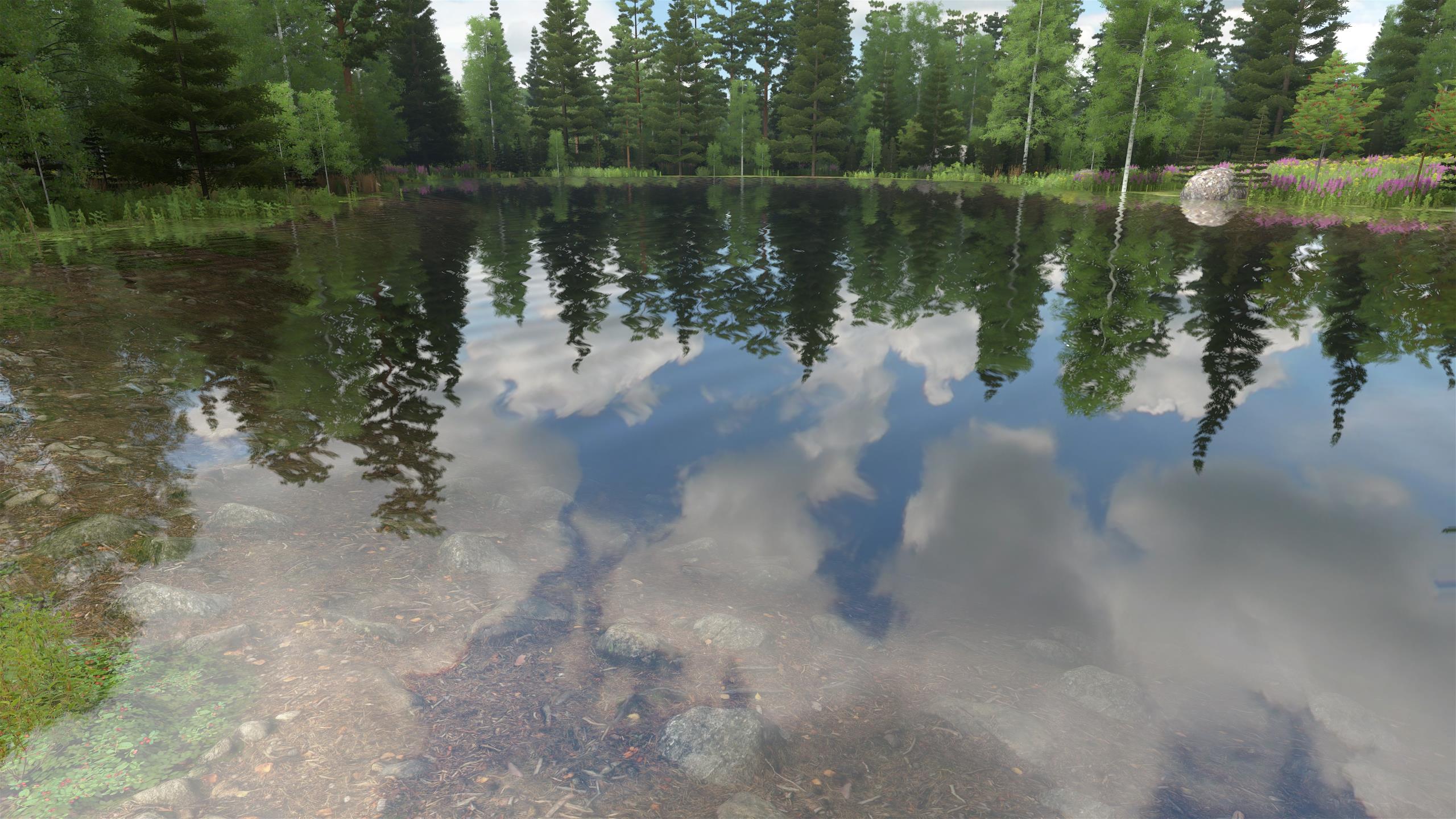
The scene in the reflection image is first rendered to a temporary texture upside-down from a virtual reflection camera position that is on the opposite side of the water plane than the real camera. The bottom of the lake is rendered on the screen as any other piece of terrain. At the start of the post-processing stage, water surfaces are rendered by alpha-blending the lake bottom with the reflection texture according to physical reflection equations (Fresnel). Waves are approximated by reading from slightly different positions in the reflection texture - the lake surface mesh does not actually move with the waves, as they are small.
Lakes that are far away also use temporary reflection textures, but they are updated less often than those nearby (which are updated on every frame).
Screen-space-reflection (SSR) is another well-known method that uses only information on the screen to render the reflection, sometimes augmented with low-resolution images from parts not on the screen. It has generally lower quality than "true" reflections like the ones used in this engine, but could be used for rendering far-away lakes more efficiently.
(click image to zoom)
Atmospheric scattering
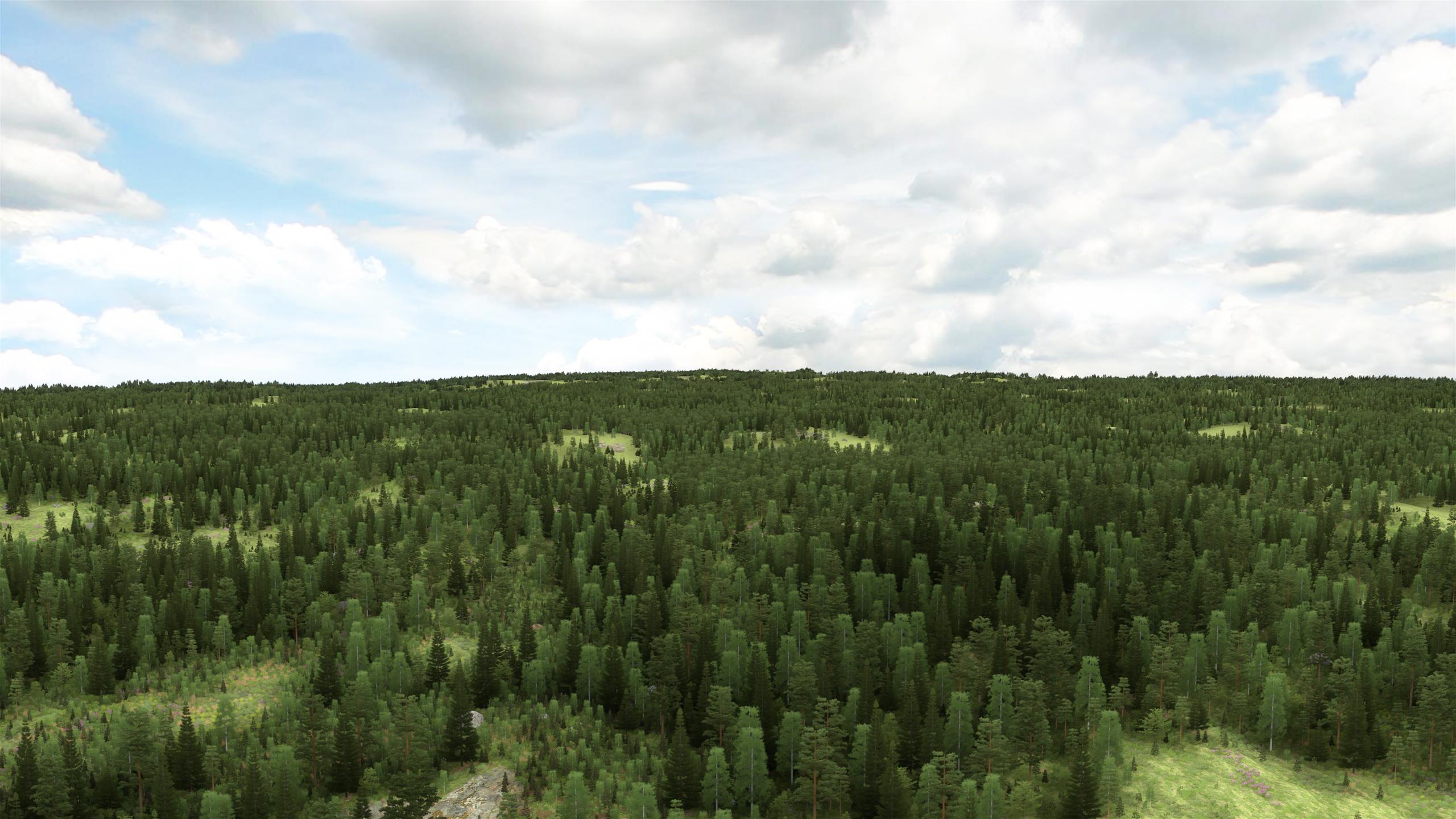
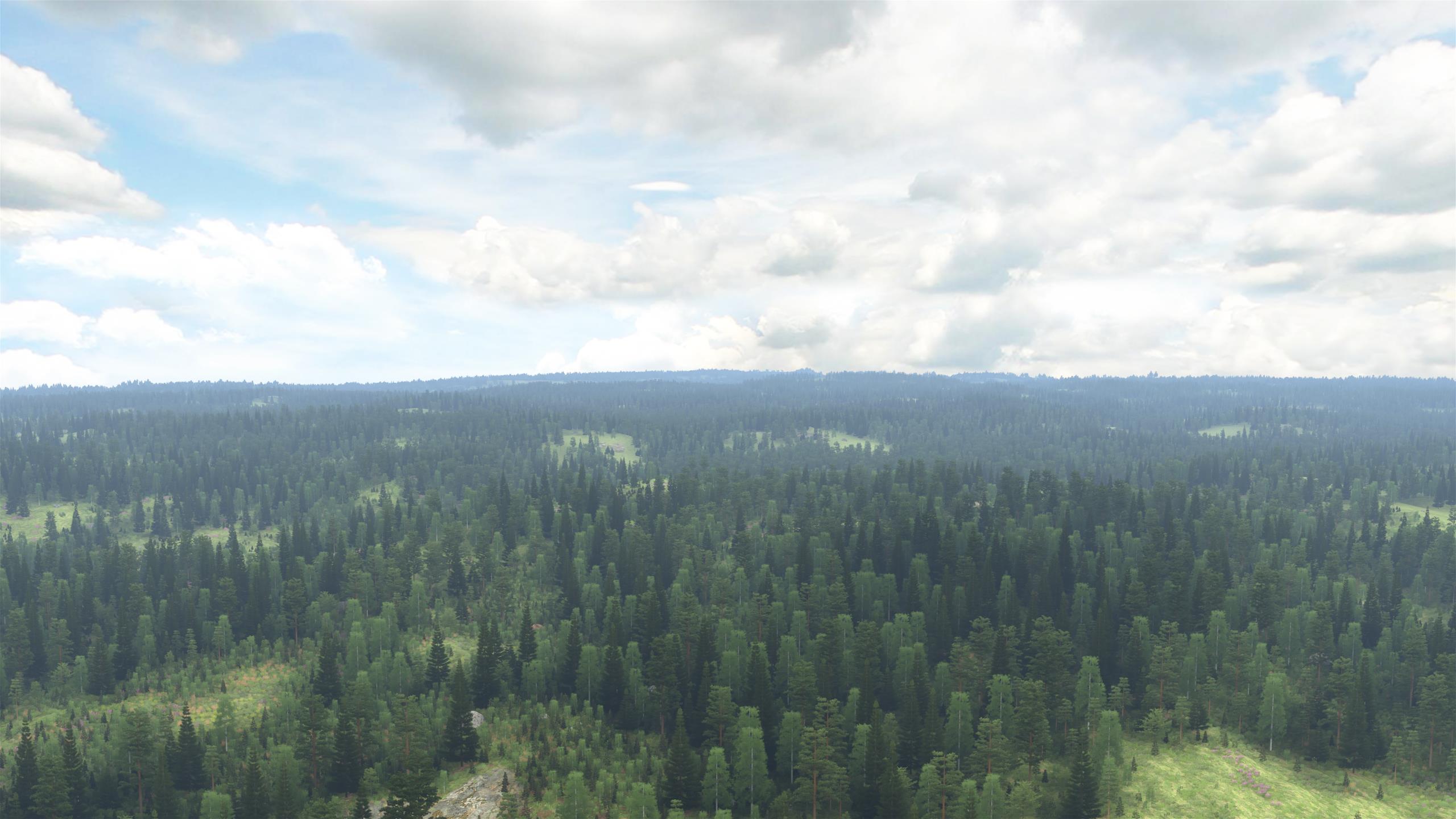
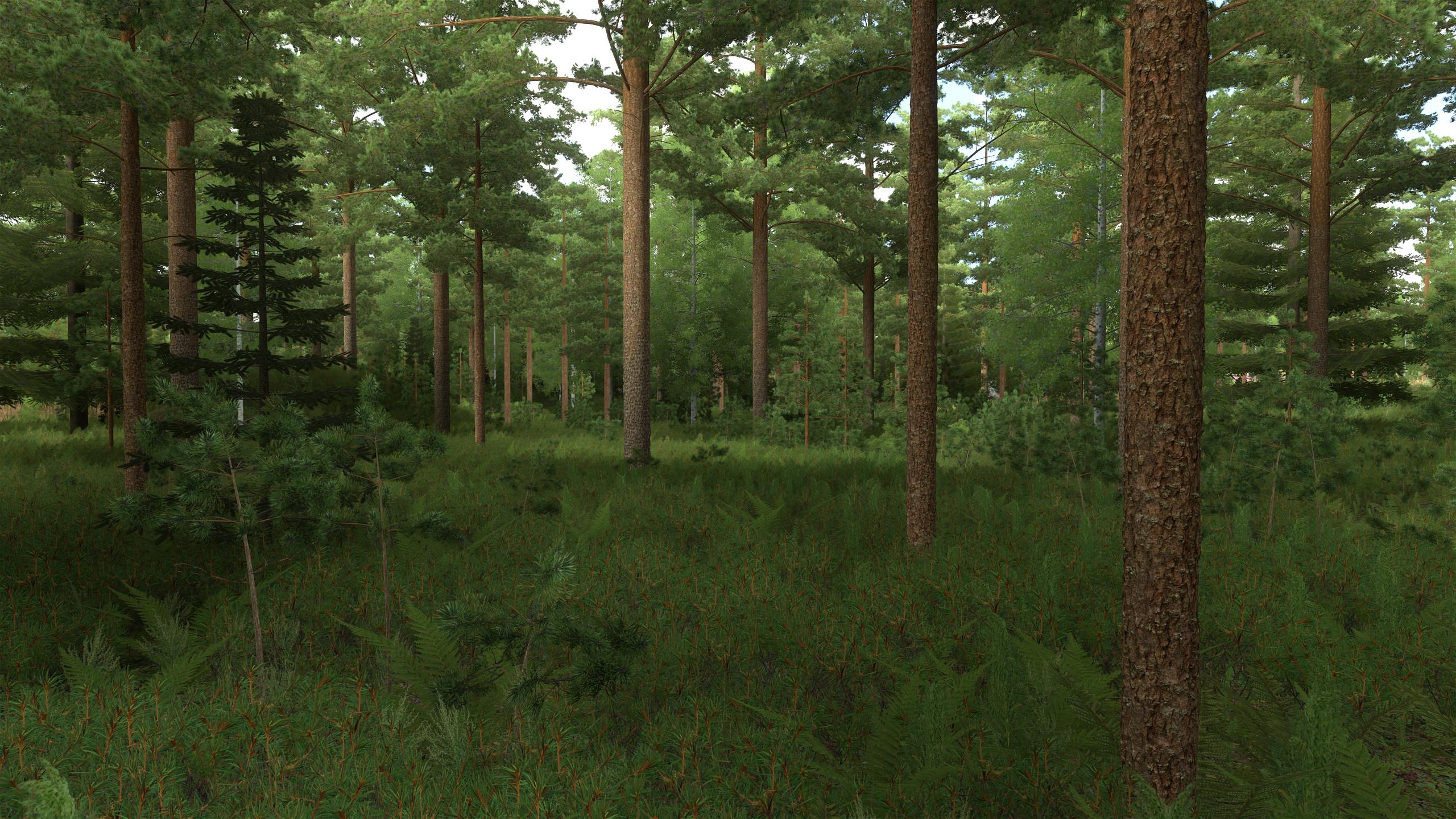
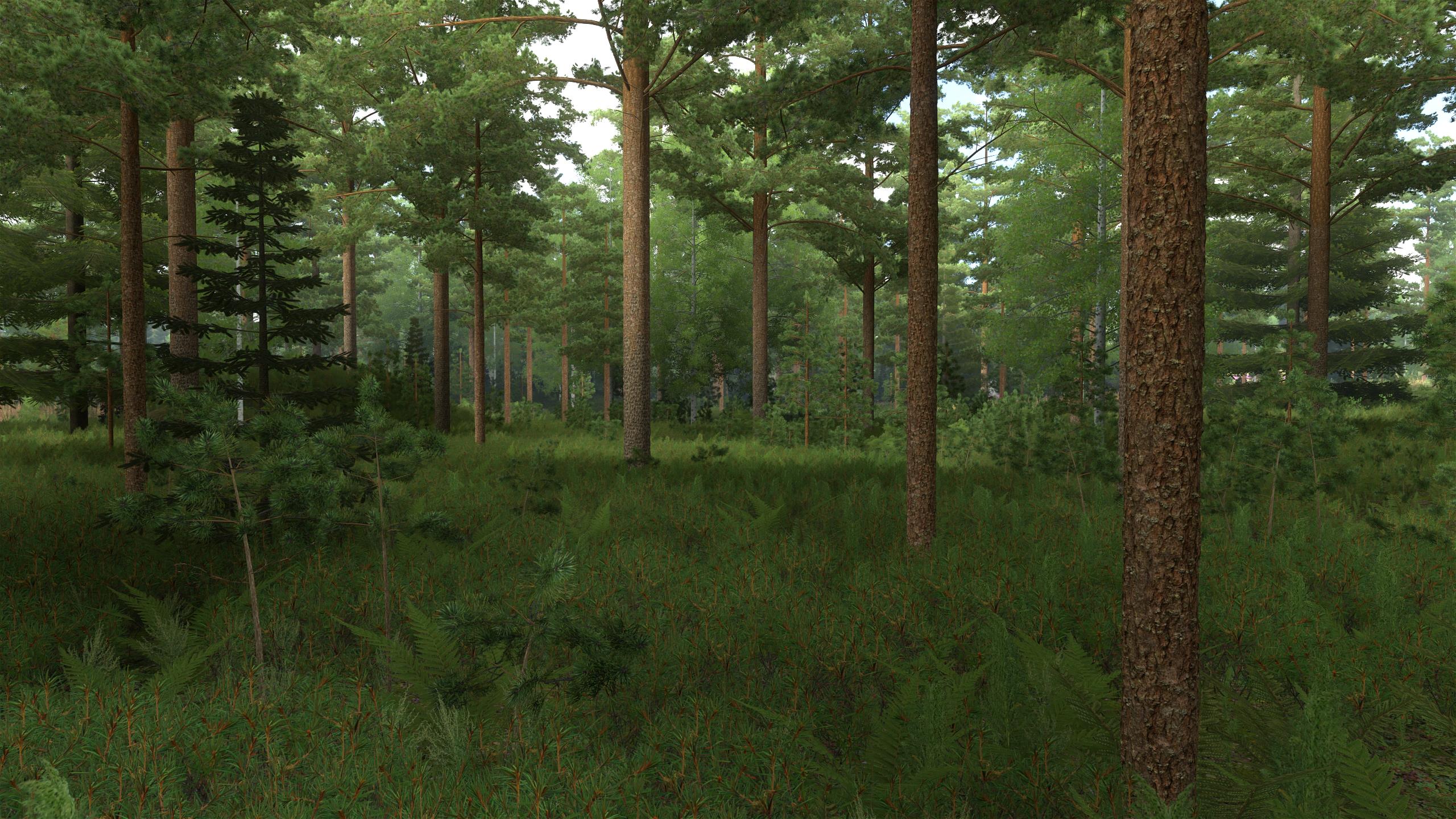
Rayleigh scattering is the phenomenon that causes the blue color of the sky and also the blue "haze" in front of distant scenery. In this engine, the sky texture already contains the blue color of the sky, and the blue haze is separately applied by simply interpolating a pixel color towards the blue color of the sky with an exponential function. This is a crude approximation that assumes that all points along the line between the camera and the point on the object's surface receive the same amount (and color) of incident light before scattering occurs, which is approximately true above the forest, at least as long as there are no big mountains. Inside the forest however, the incident light has in reality much lower intensity and is less blue, and the approximation causes a slightly unnatural blue tint for faraway areas. More complex scattering algorithms have been developed, but were not necessary for this game.
|
| Atmospheric scattering disabled. |
|
| Atmospheric scattering enabled. |
|
| Atmospheric scattering disabled. |
|
| Atmospheric scattering enabled. The blue tint is slightly too strong inside the forest because of approximation. |
Bloom
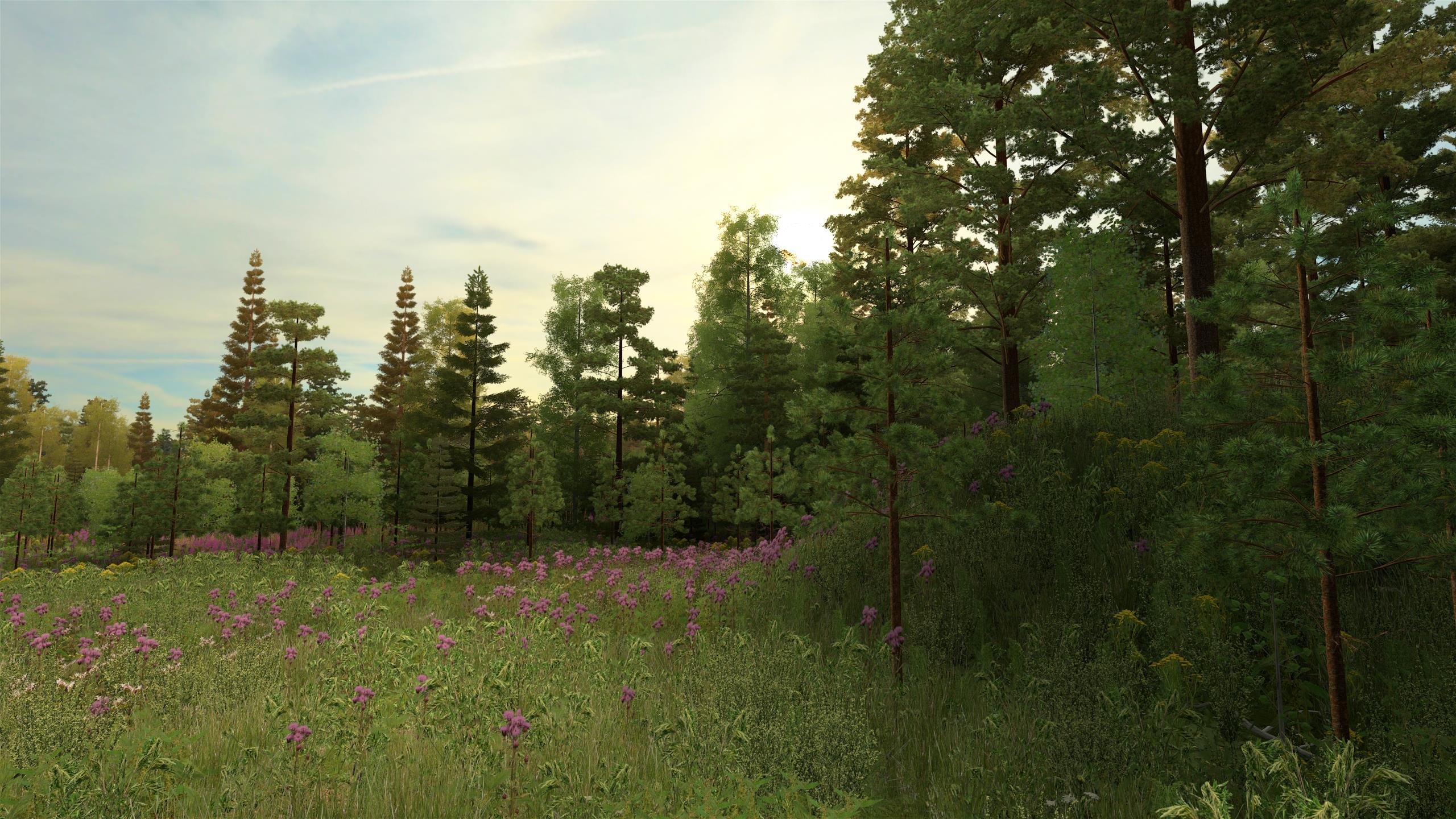
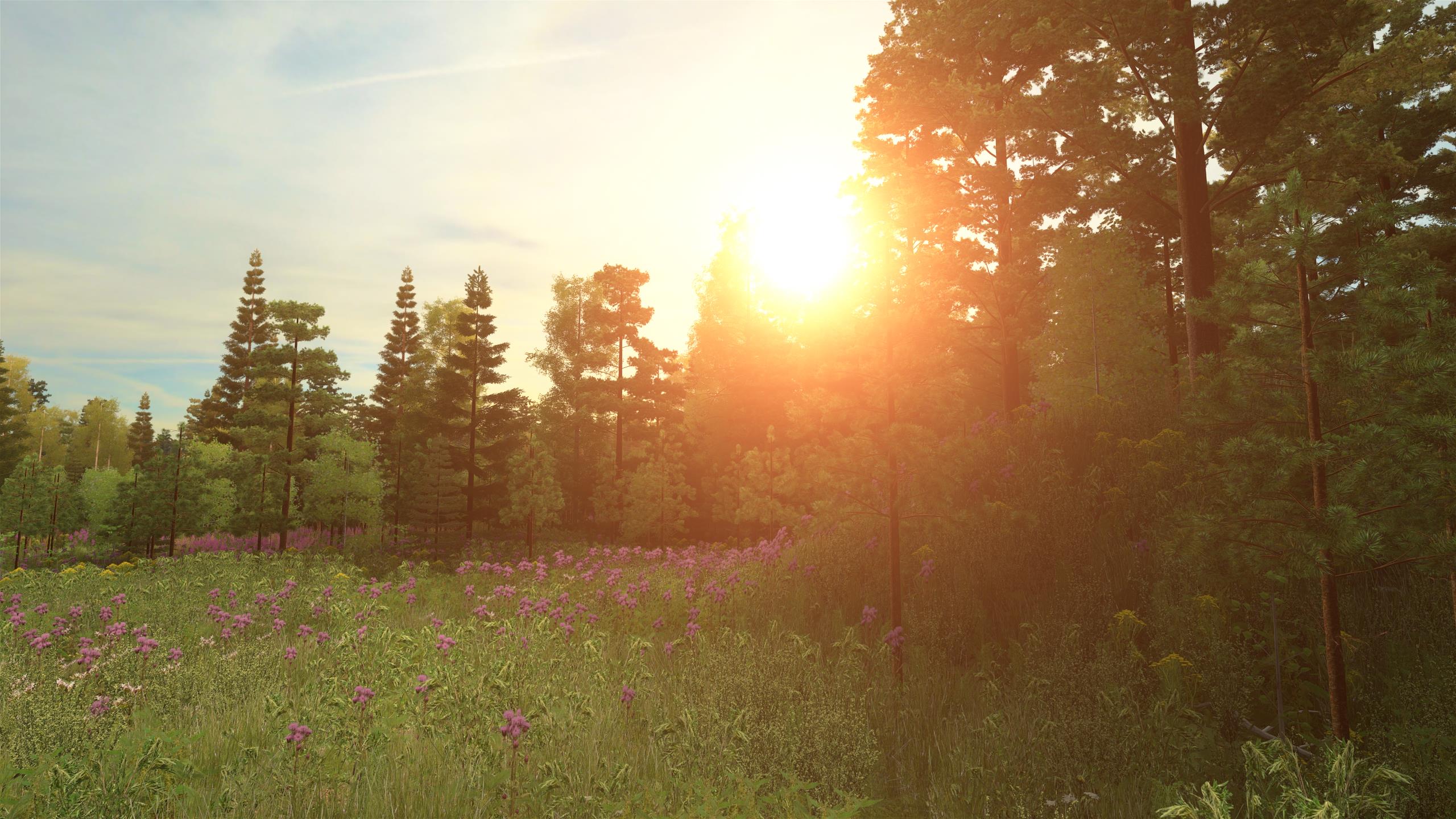
The lens of a camera or an eye always causes some blurriness in an image that is seen as a "bloom" effect around bright spots, such as the sun. In theory, the same blurriness applies to everything in an image, but is only noticeable when a part of the image is much brighter than its surroundings.
The bloom effect is implemented by computing a blurred version of the image (with repeated down-scaling and a separable gaussian filter) and adding it to the original image after multiplying it by a small factor (0.003). A slight bloom can be seen also around dark tree trunks and branches when viewing them against a bright sky.
|
| Bloom disabled. |
|
| Bloom enabled. |
Tone mapping
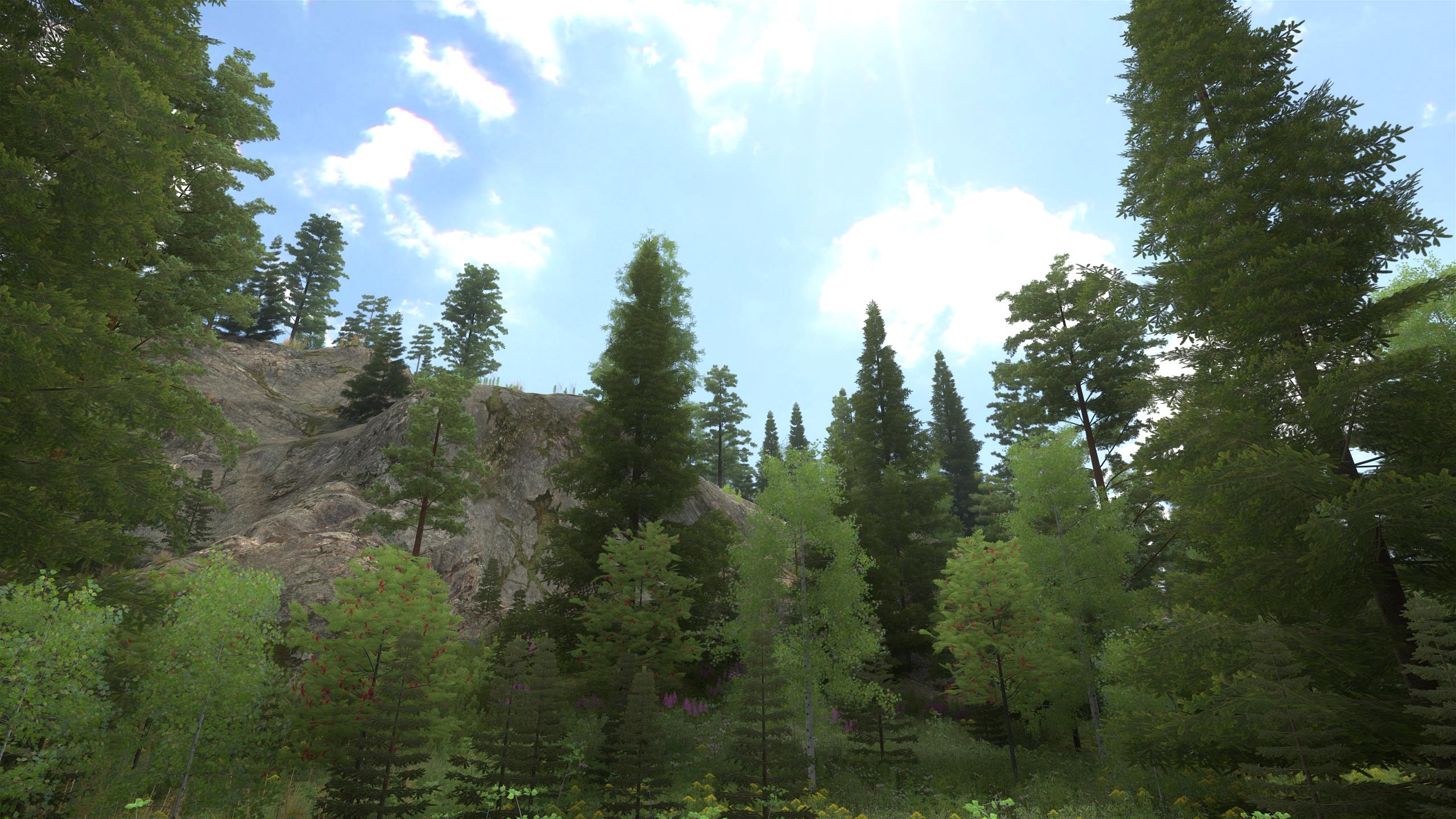
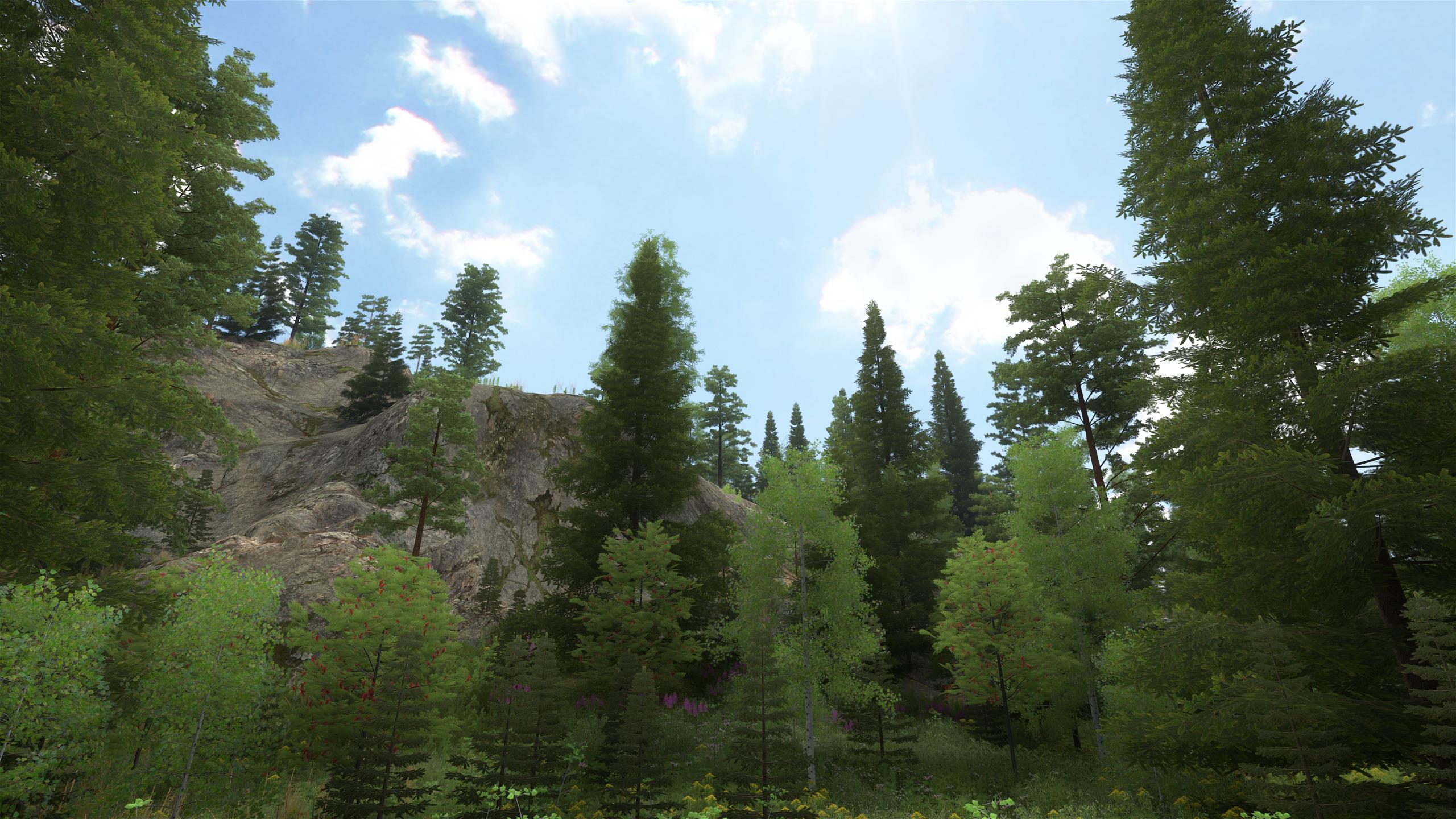
Tone mapping compresses HDR colors for displaying them on a standard-dynamic-range screen so that fewer details are lost and more pleasing colors are achieved than if simply clamping the color values to the 0..1 range. Several tone mapping operators were experimented with for the engine, until "piecewise power curves" (see the link below) seemed to produce the most natural-looking result for a forest scene. In particular, colors are less distorted than with many other tone mapping operators, while color contrast is slightly enhanced compared to the non-tone-mapped image.
The piecewise power curve, described in the link, is used with the following parameters:
| Toe strength | 0.1 |
| Shoulder strength | 0.5 |
| Max color value | 10.0 |
|
| Tone mapping disabled. |
|
| Tone mapping enabled. The cloud edges are less saturated and the contrast is slightly better, also in dark areas. |
Dithering
A simple pseudo-random dither pattern is applied when converting the tone-mapped image into 8-bit sRGB format for the display, to avoid banding. With forest scenes, this is a rather theoretical improvement whose benefit is impossible to see in the resulting image.
Other considerations
Color values are often checked for infinite or NaN values and converted to valid values within a reasonable range. Otherwise invalid values that can sometimes result from floating-point calculations or bugs could cause larger problems than just turning a single pixel to black or white: e.g. when applying bloom, an infinite/NaN value could be propagated to cause a large black/white box on the screen, or ruin the image brightness calculation for auto-exposure / eye-adaptation.