
Level of detail
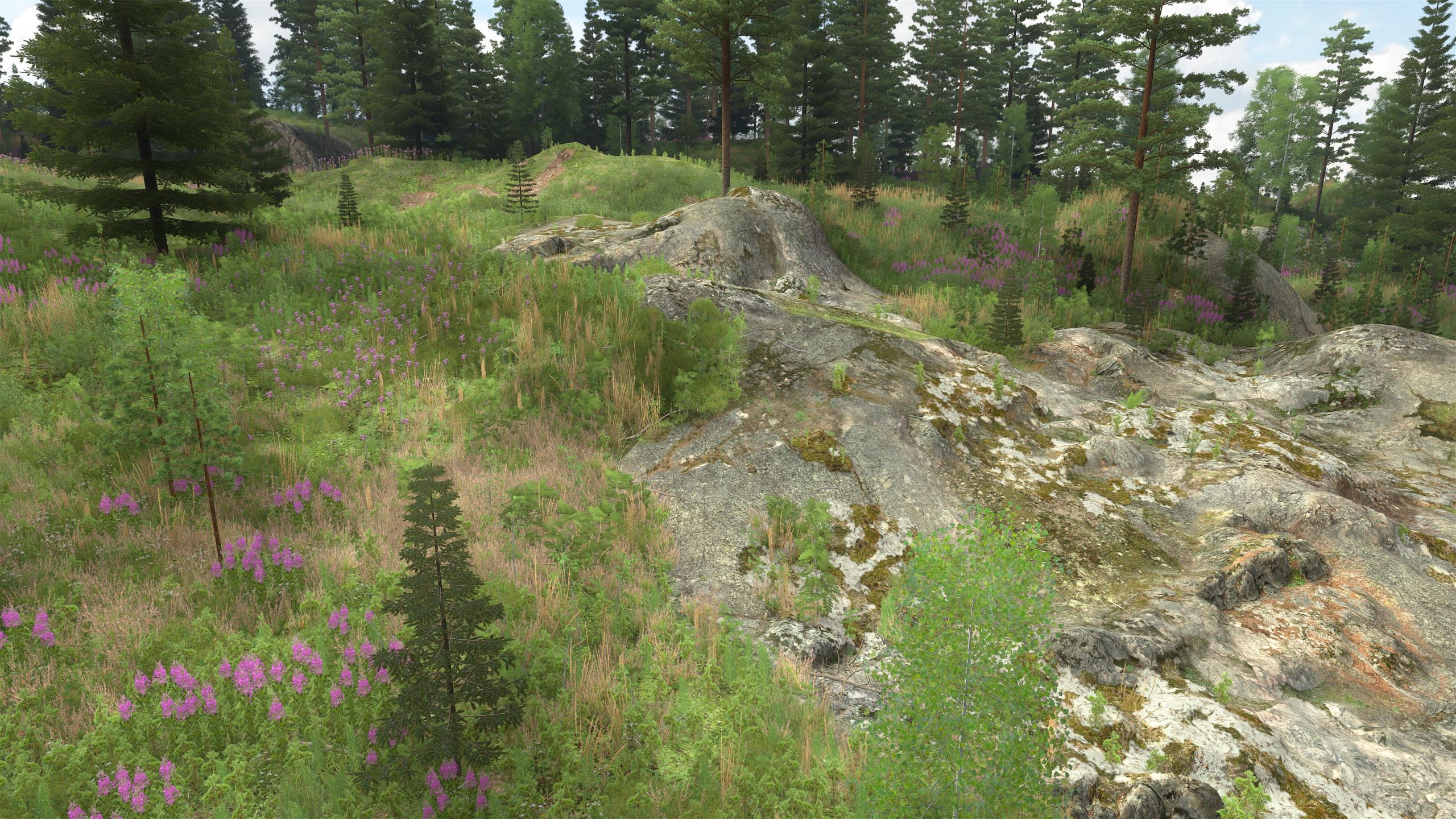
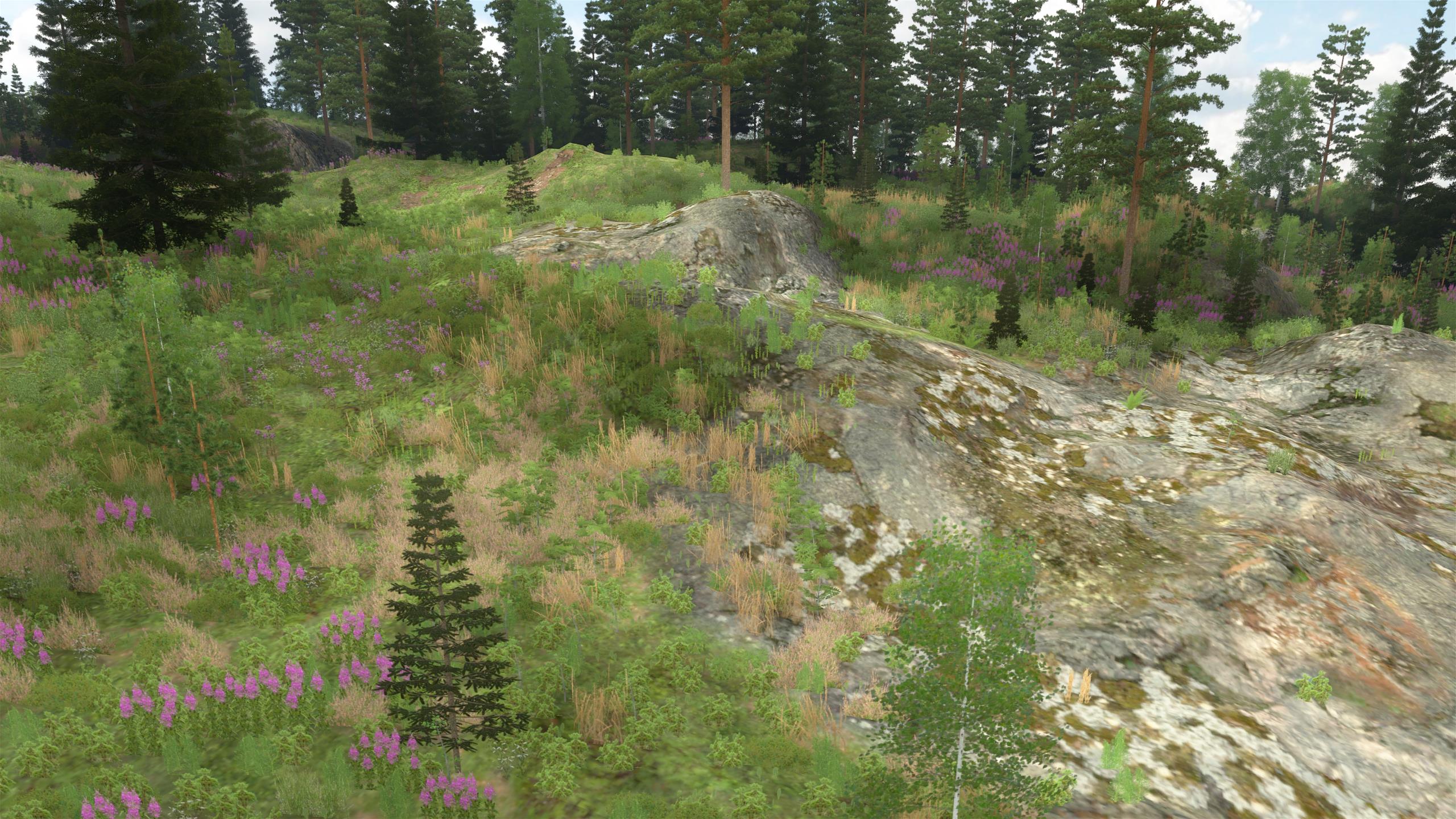
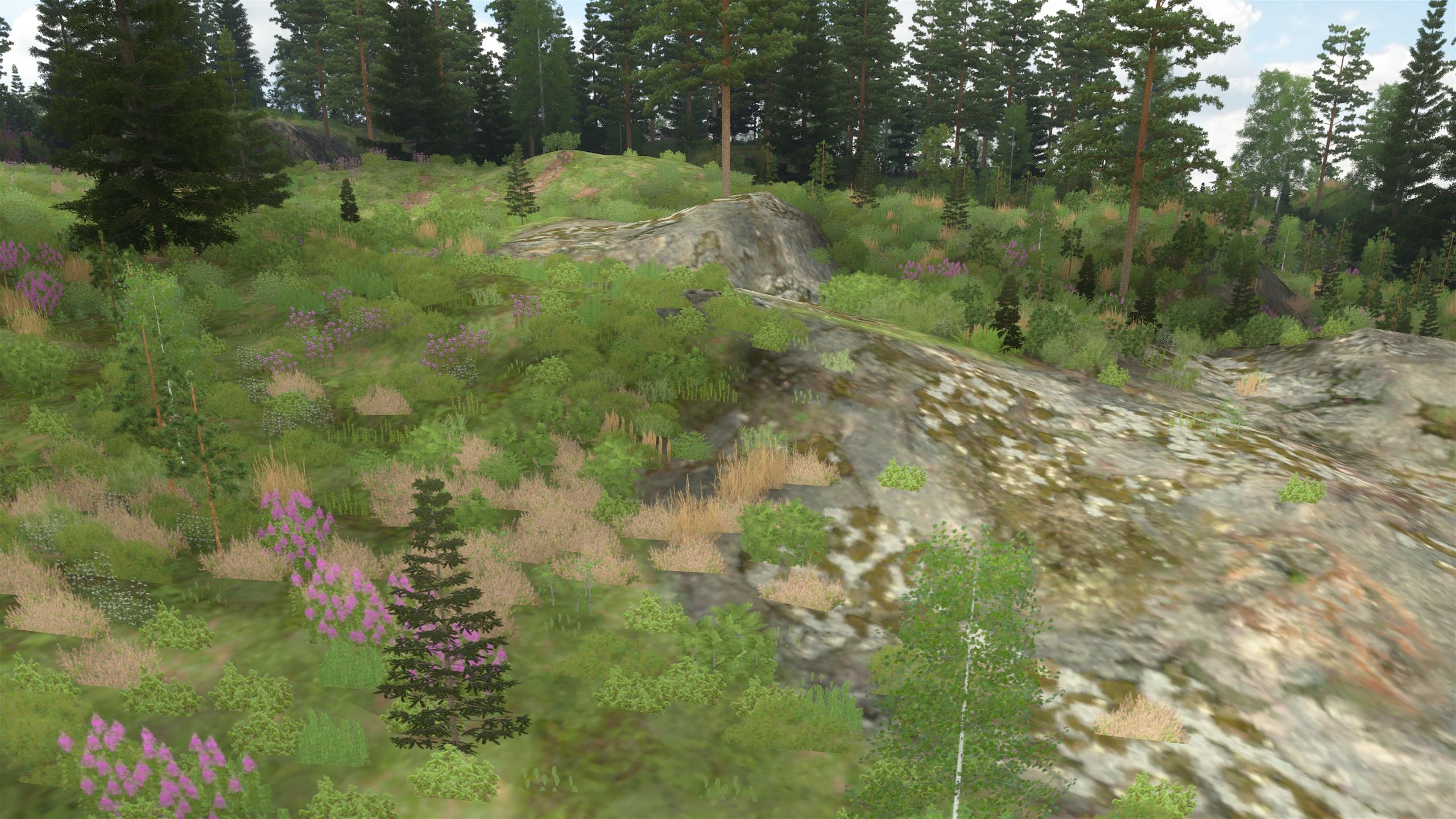
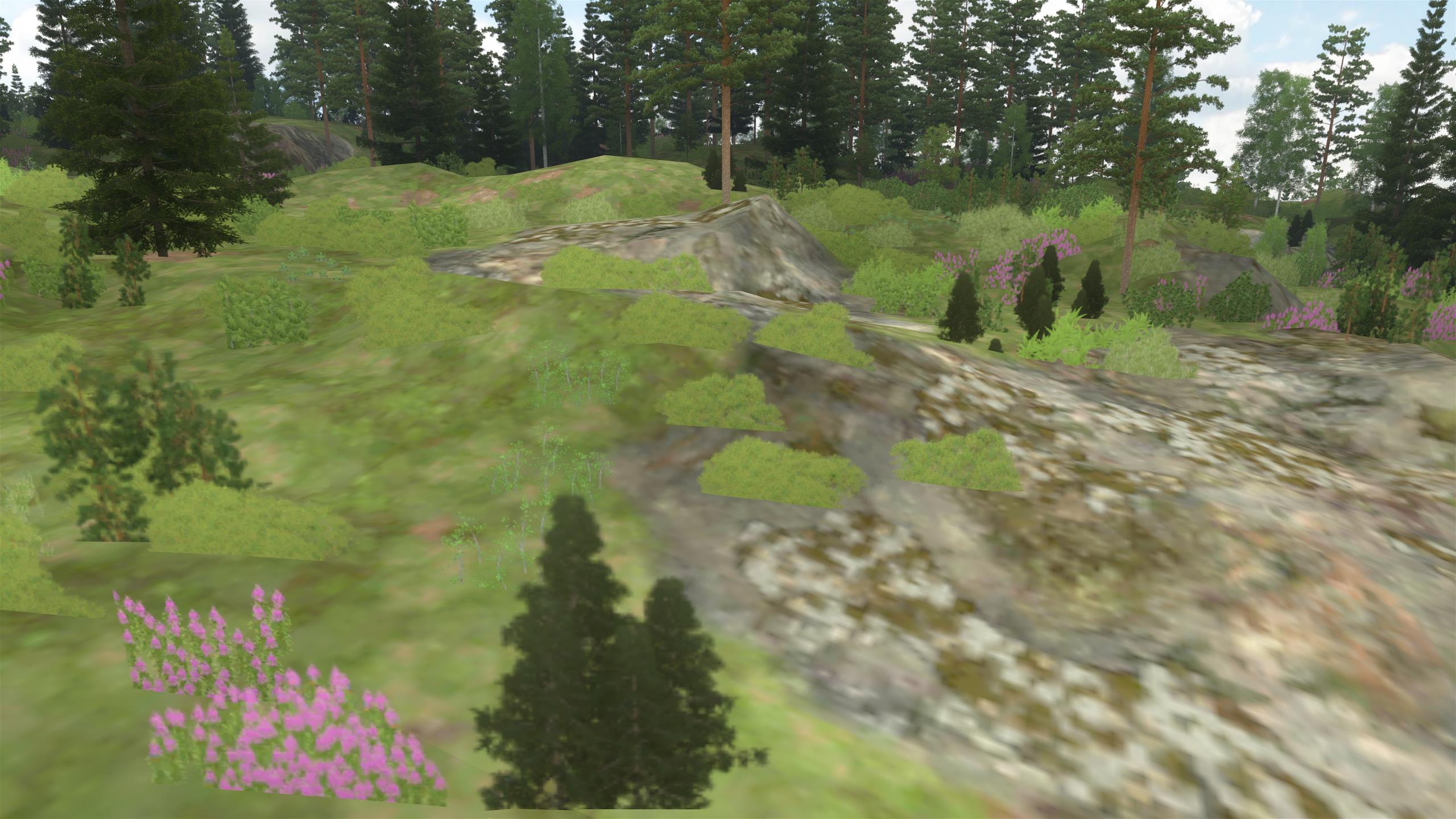
Parts of the 3D scene that are far away from the camera are rendered at a much lower level of detail than those nearby. This is necessary for performance reasons, although it also helps reduce aliasing. The user can also configure the overall detail level depending on computer speed.
The images below show the same part of the scene at different details levels. As the level of detail is reduced, high-detail 3D tree and bush models are first replaced with billboards and the terrain texture resolution is lowered, and small grass geometry is removed. The billboards of individual trees/bushes are then replaced with group billboards that represent a group of several trees/bushes. Finally trees/bushes are removed entirely, smallest ones first. In the last image, only groups of large trees remain. About 10 levels of detail are used in a typical 3D scene, at different distances from the camera.
(click image to zoom)
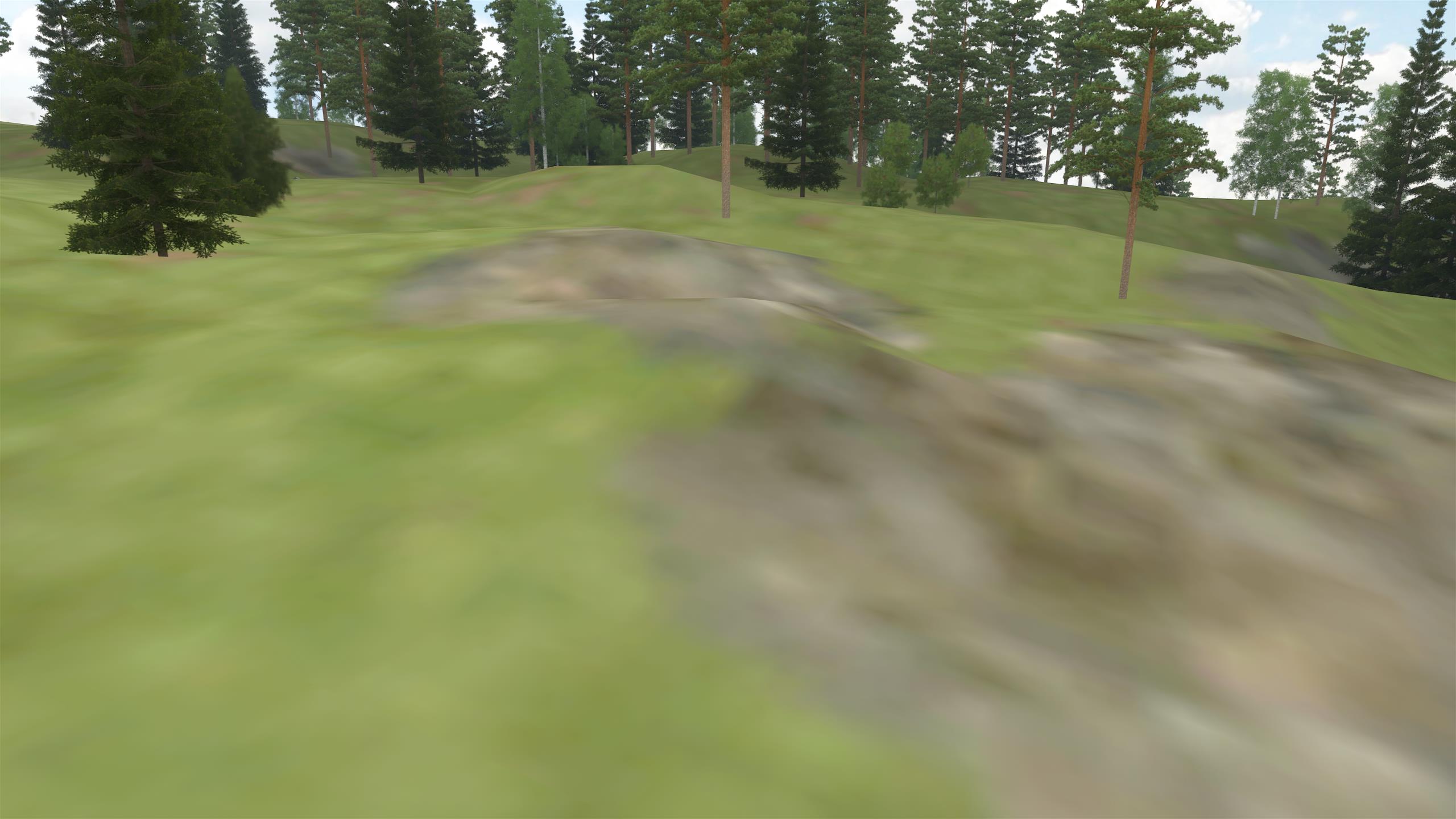
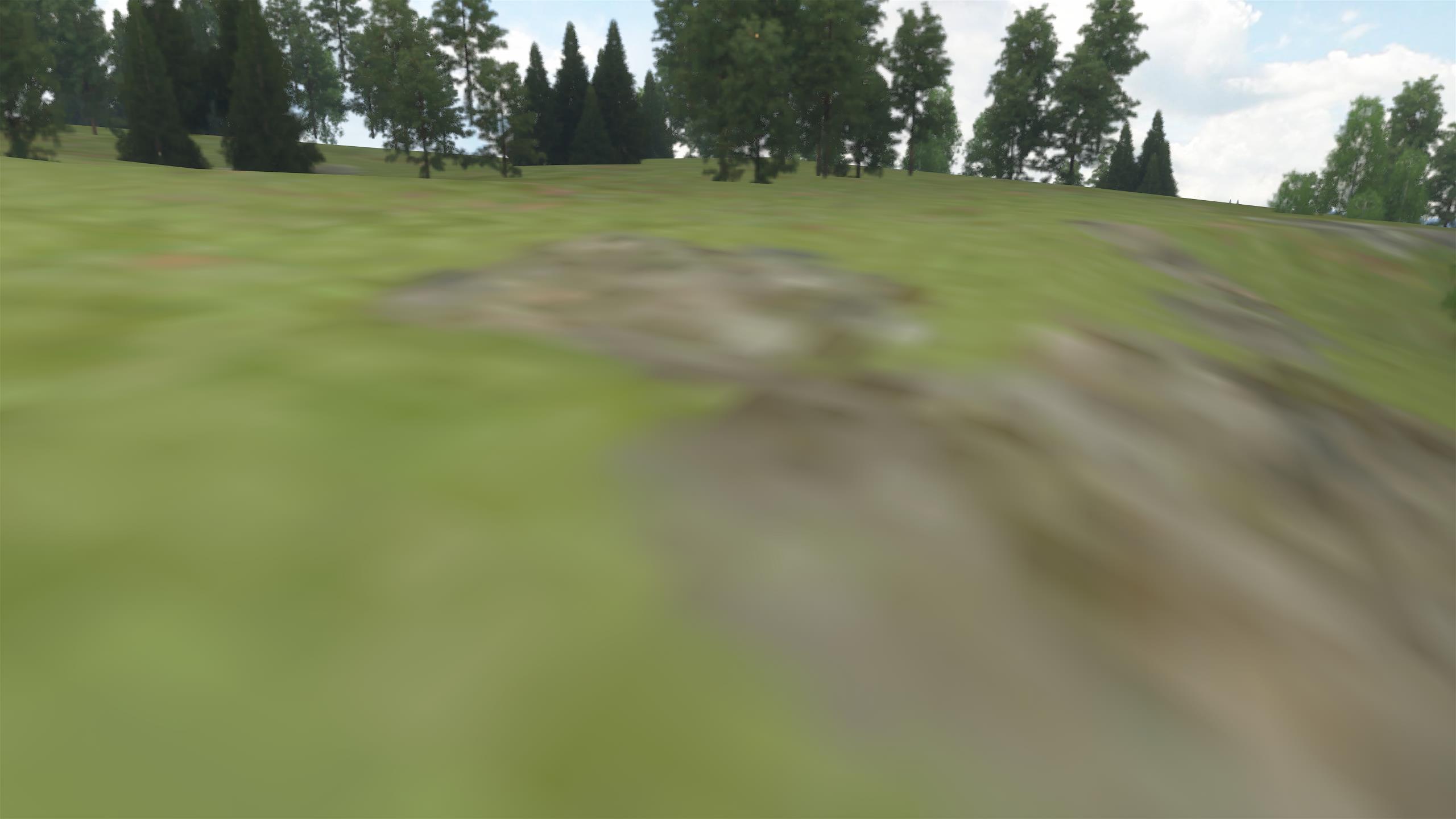
Terrain quad tree
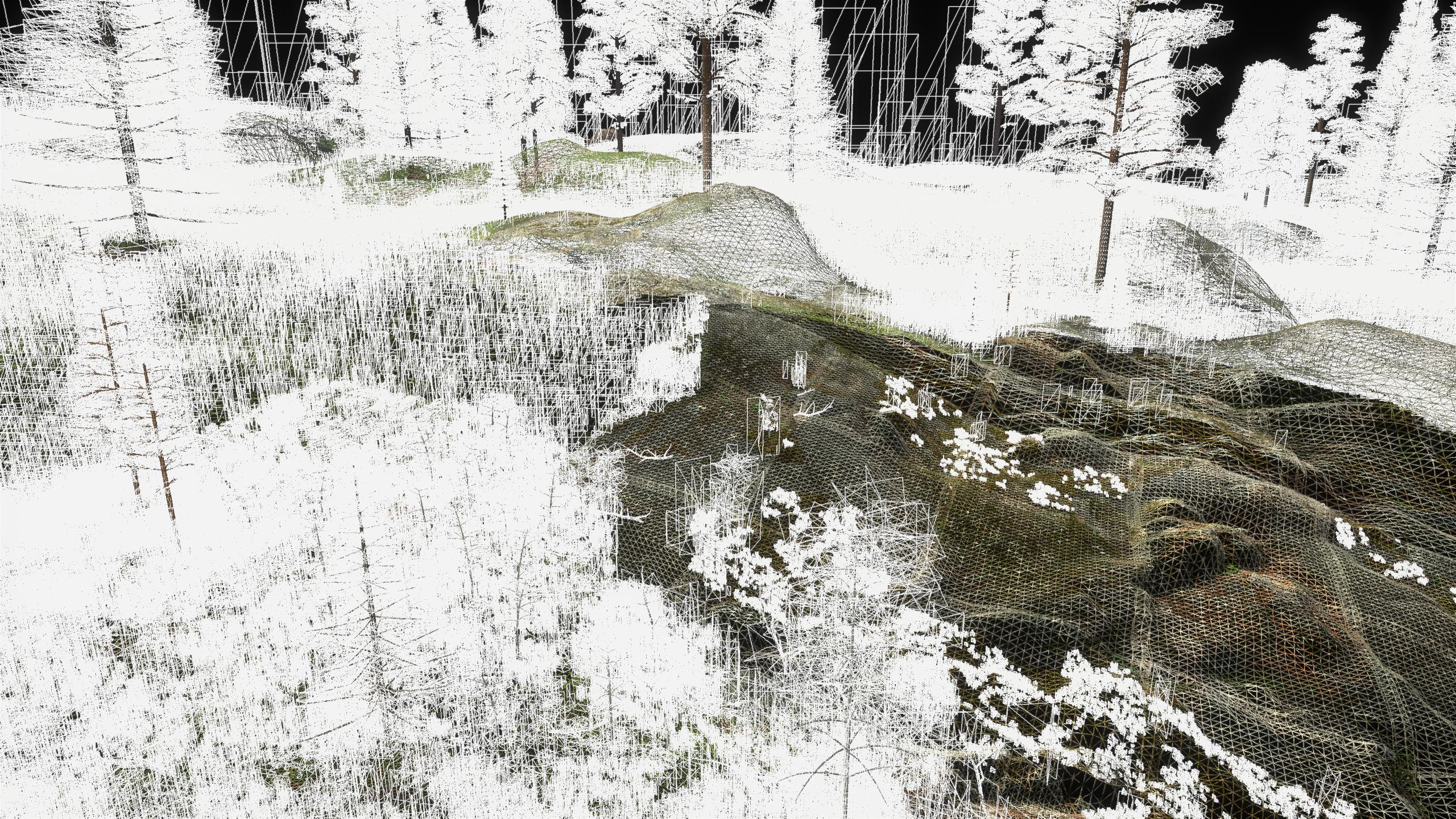
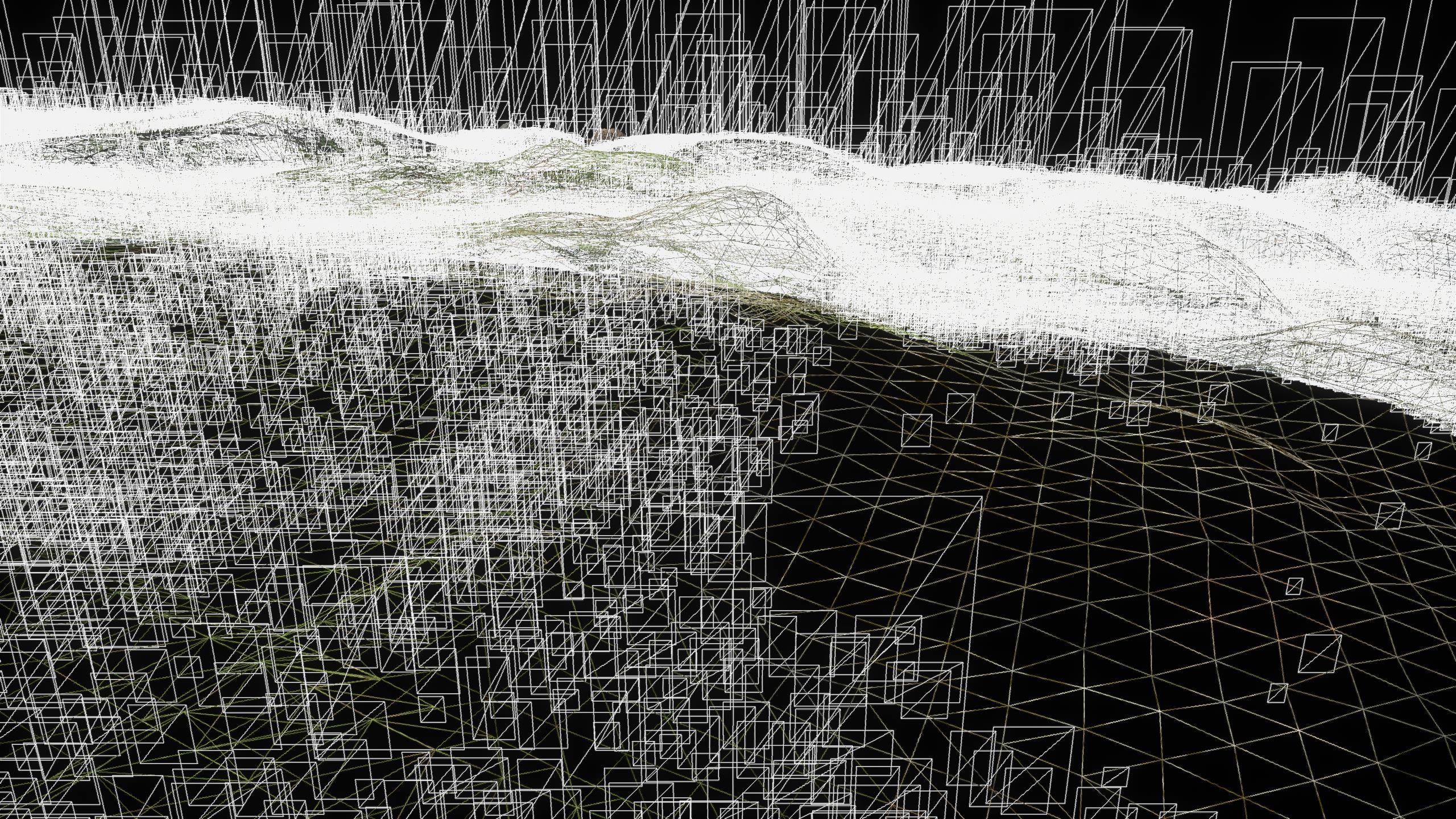
Renderable 3D geometry at different levels of detail is kept in quad tree nodes. Smaller and more detailed nodes are created for areas that are close to the camera and with an unobstructed view from the camera position (judging by vegetation density).
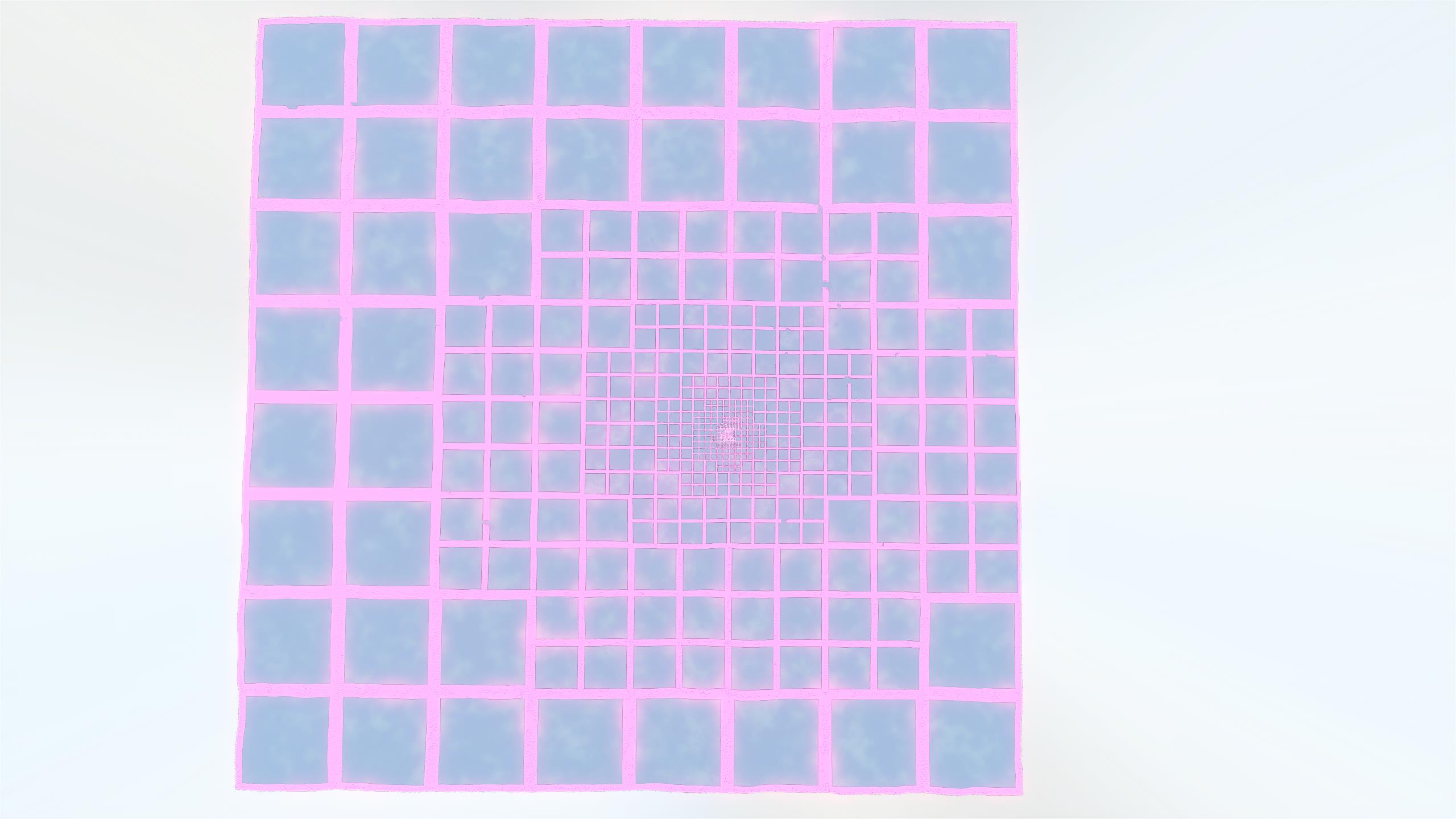
|
| Terrain split into quad-tree nodes, with smaller nodes near the camera (at the center of the image). |
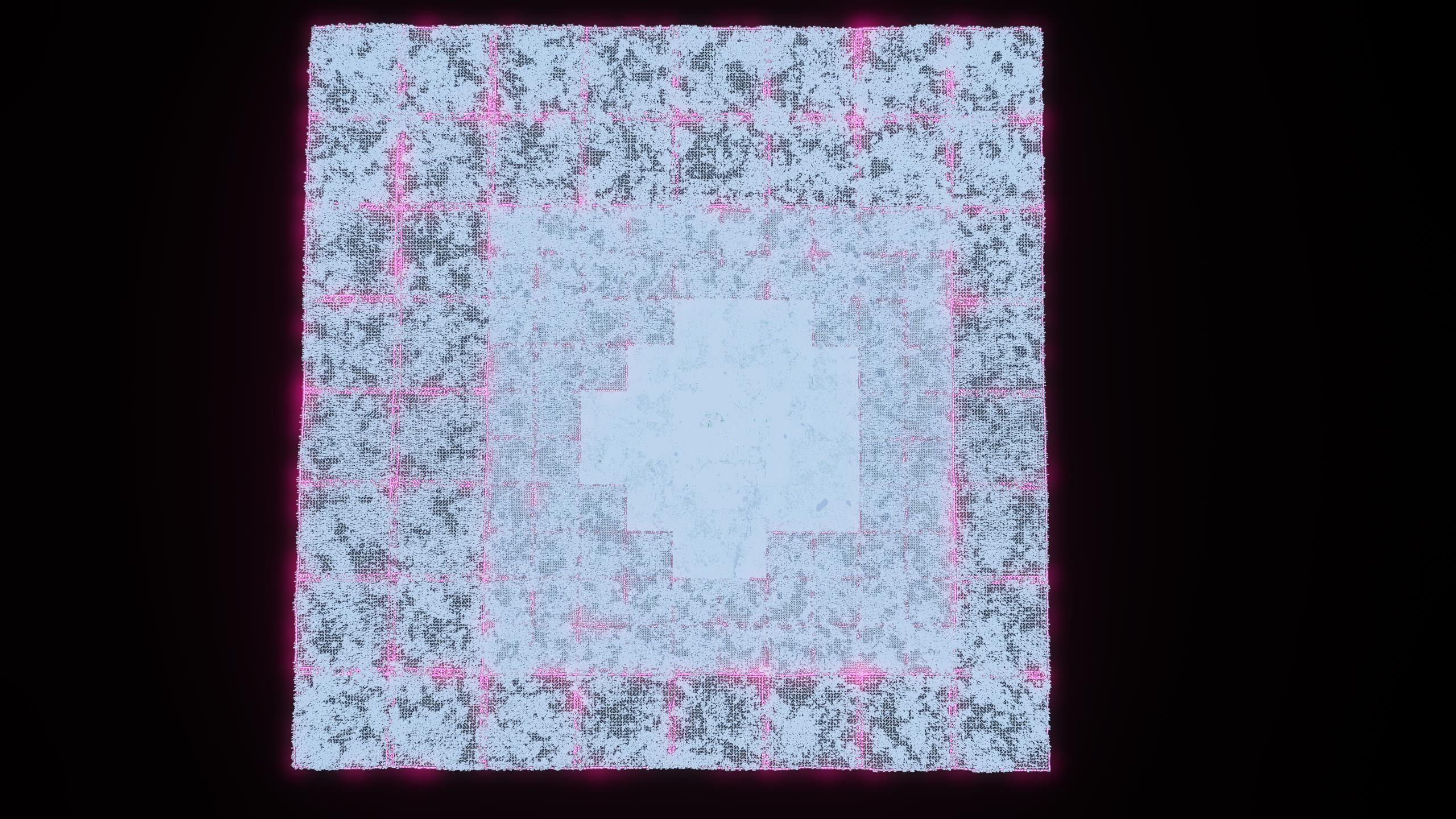
|
| Wireframe rendering of the game world from above, showing how smaller quad tree nodes have more detail. |
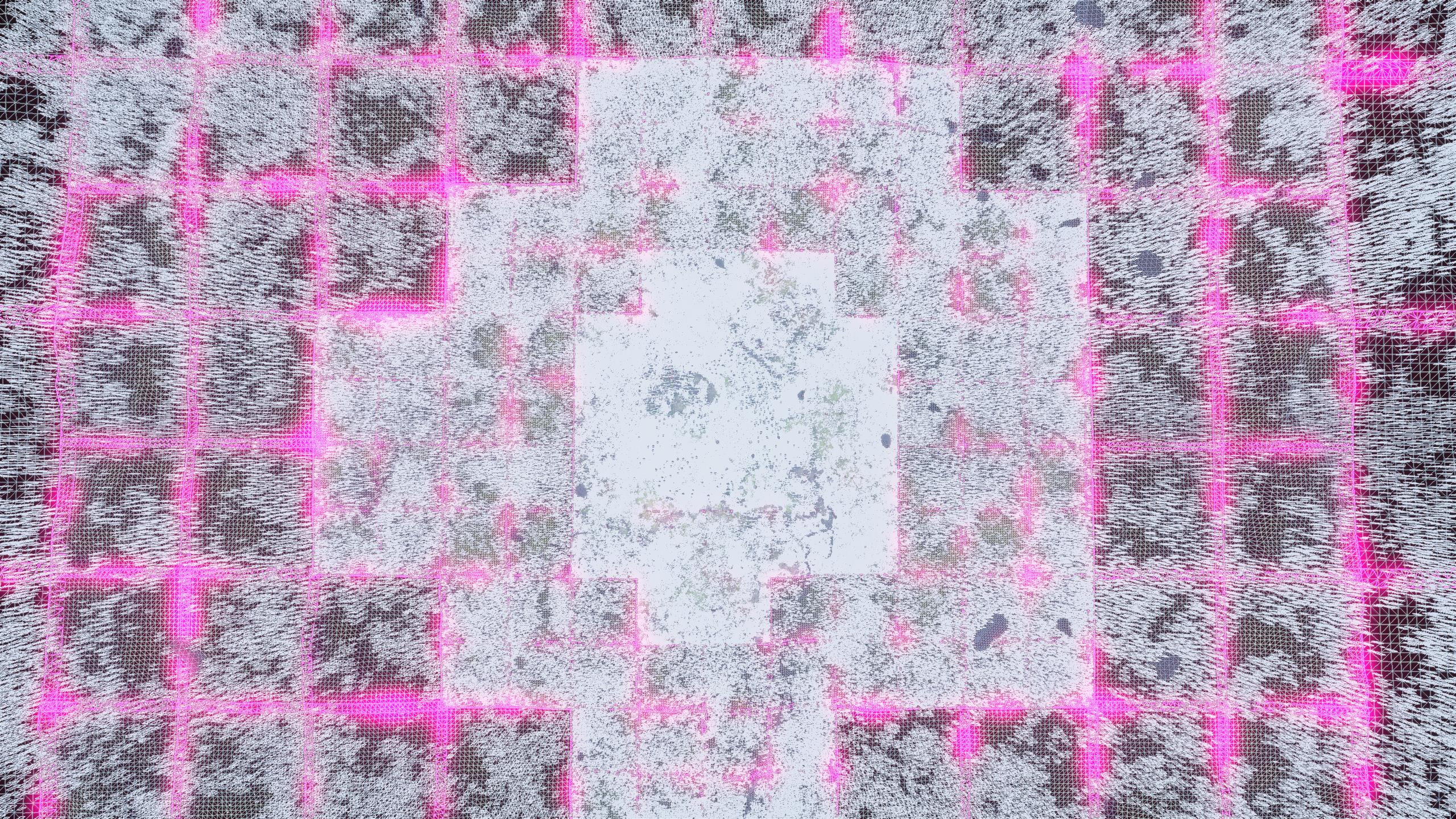
|
| Another wireframe rendering at a lower altitude. |
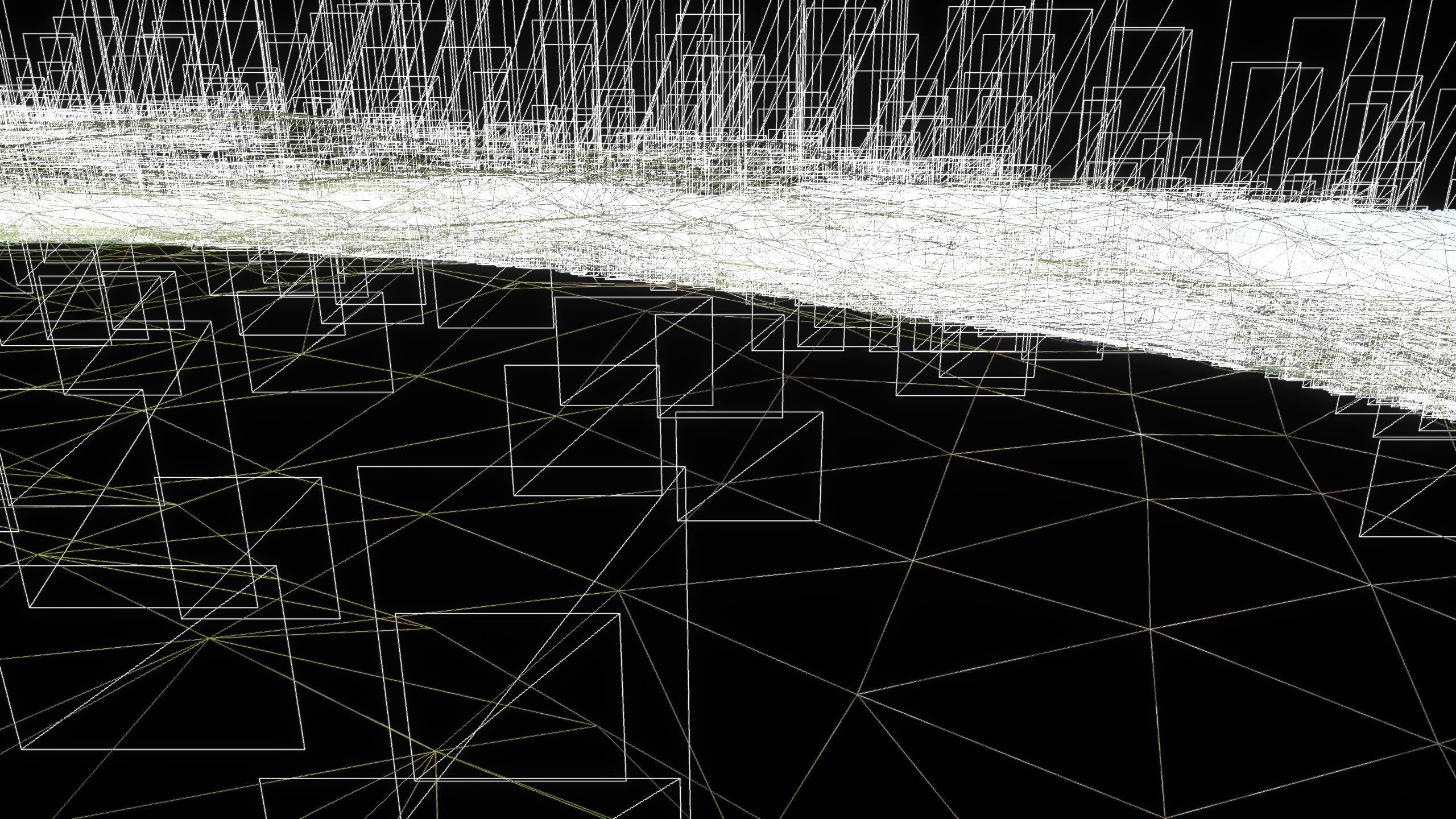
|
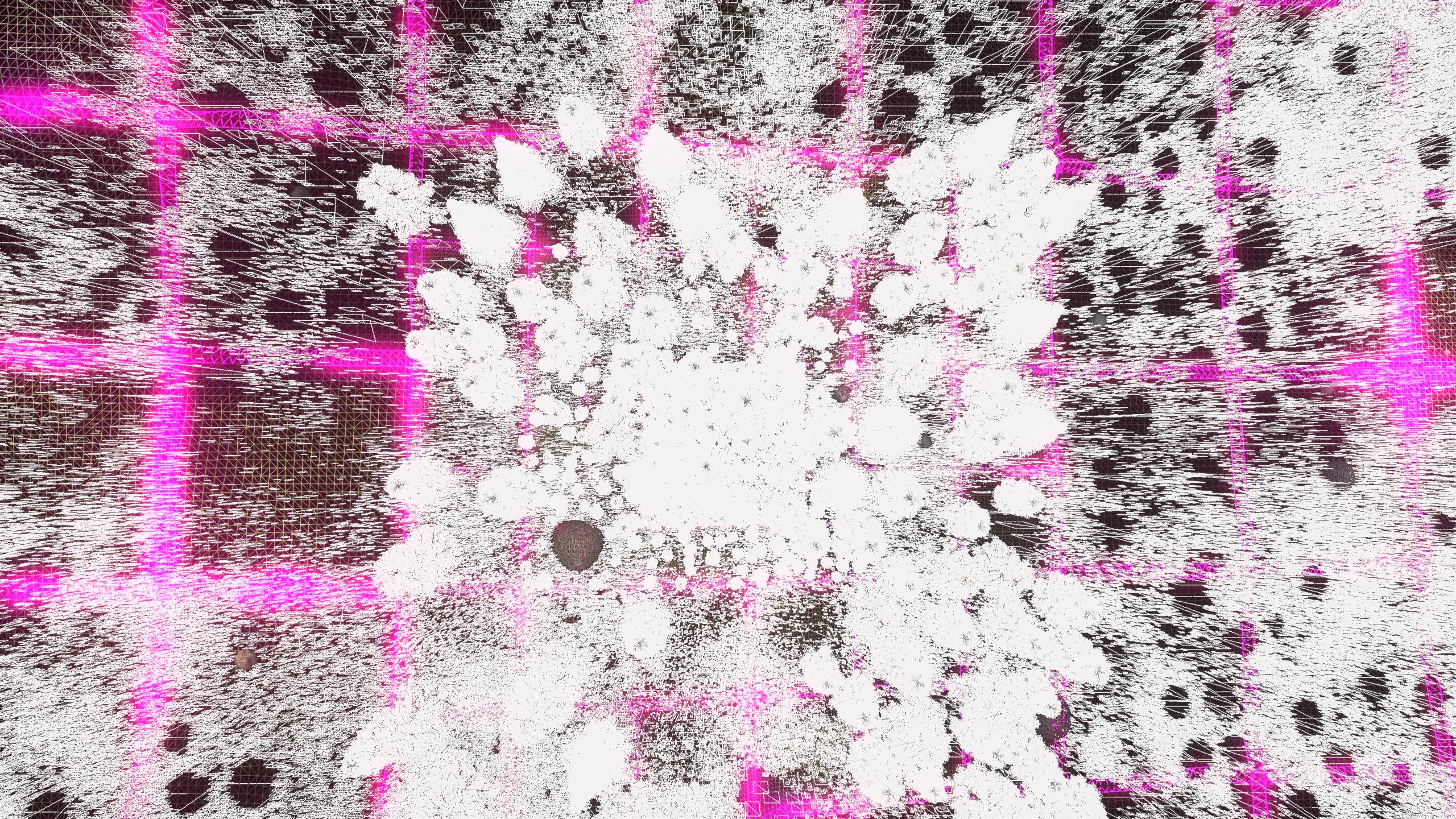
| A wireframe rendering at an even lower altitude, with trees discernible. |
The map file contains terrain and vegetation data only at a coarse level, e.g. as ground type maps, bush type/density maps and positions of large trees. When a terrain node is being created, more detailed geometry is generated for the ground and the vegetation based on this data, and is uploaded to the GPU and prepared for rendering. The larger, lower-detail quad tree node is then replaced on screen by the smaller nodes, by cross-fading (see the Order-Independent Transparency chapter about cross-fading). The larger node is still kept in memory for later use, in case the camera goes further away again and the detail level is reduced.
Sometimes when preparing a quad tree node, some processed data is needed from a slightly larger area than the quad-tree node itself, for example a high-resolution ground height map for placing bushes that may extend slightly outside the node. This is handled by dividing the world into fixed-size tiles (16 meters in this case) for which the geometry is generated and kept in memory as long as there are quad tree nodes using it.
The user-selected detail level affects how far away from the camera nodes are split into smaller nodes. A node of a certain size has (almost) the same geometric detail level regardless of the setting, only the average size and number of nodes is affected.
The preparation of a quad tree node has several phases, some executed on the GPU, and is done as a background job that can take a multiple frames to complete. Bushes and plants are placed randomly, according to density/type maps from the file, and using a pre-generated list of points that are at least a specific distance apart from each other (known as Poisson discs, see image below). A ground texture is generated by rendering decals into a temporary texture, and a ground mesh is generated according to an interpolated terrain height map and decal displacement maps. Static lighting is calculated using a light grid (see the Global Illumination chapter), which is created for a higher-level node when there are descendant nodes that need it. The GPU geometry (vertex/index buffers, billboard position/type buffers etc.) of all trees, bushes, rocks and other items within the node are merged into combined buffers, for rendering with fewer draw calls. The combined geometry is grouped by render state, and also by whether or not an item might be replaced by a more detailed version when the quad tree node is split. Those that are not replaced are always rendered via the current node, and the rest may be rendered either via the current node or via sub-nodes as higher-detail versions.
If the camera moves fast, there may be several nodes waiting for preparation. These are prioritized so that larger nodes are prepared first, and among nodes of the same size the closest ones to the camera are prepared first. Preparation can also be cancelled between phases and when e.g. waiting for results from the GPU, if the node is no longer needed.
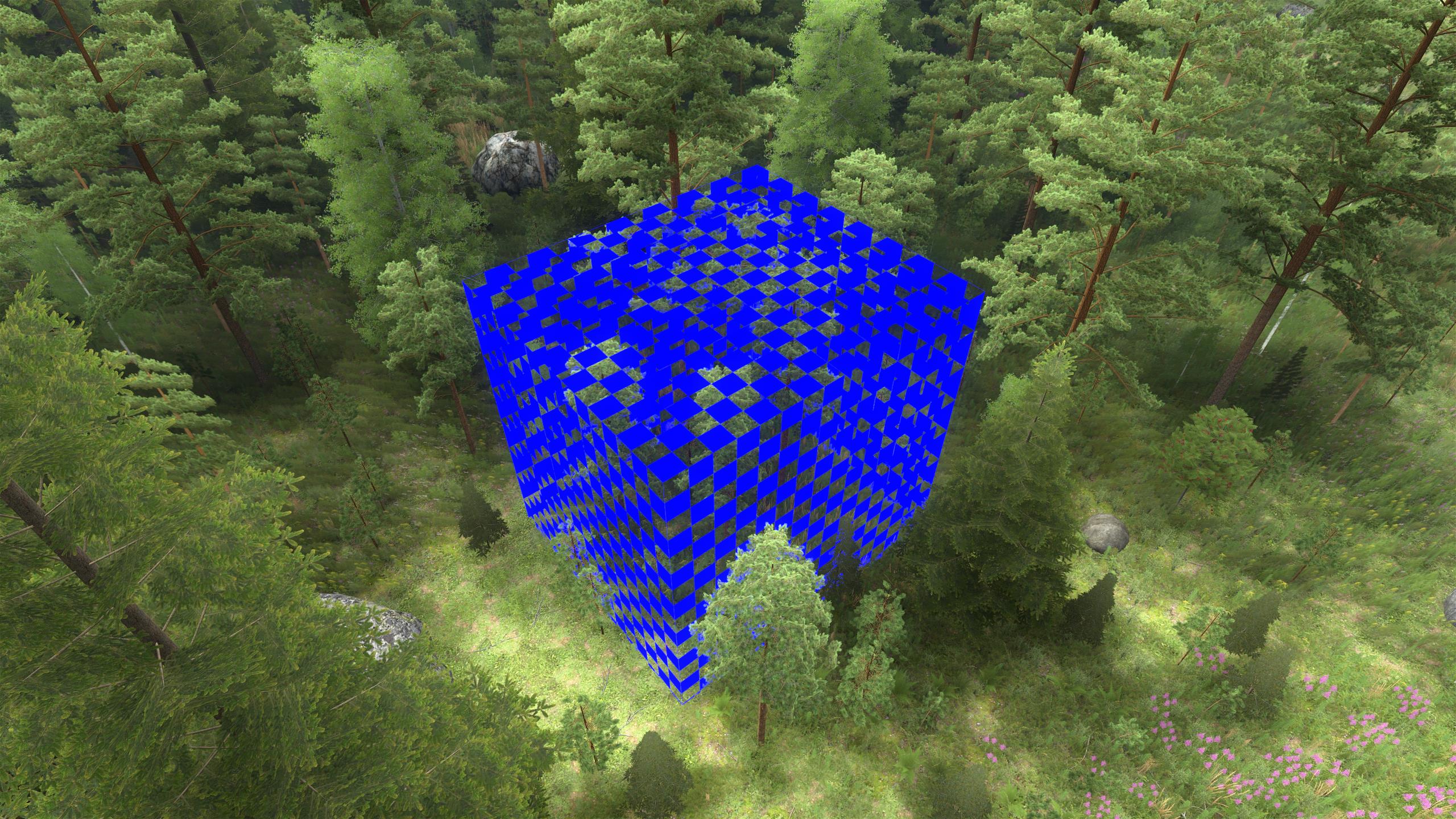
A bounding box is calculated for each quad tree node (see image below) and used during rendering to cull nodes that are behind the camera's viewing frustrum.

|
| A repeatable tile of Poisson discs for placing vegetation. Color shade represents index in the list, demonstrating random order. The actual tile used by the engine is larger and contains thousands of discs. |
|
| Bounding box of a terrain quad tree node, horizontal size 8x8 meters. The box does not contain trees that belong to neighboring nodes and only partially overlap this node. |